
Black Friday 2.0 · until Nov 30 only
Black Friday 2.0 · opens Nov 27
Black Friday 2.0 · offer closed
File bundle|Templates, assets and e-books
Black Friday 2.0 November 27 to 30
From render
to portfolio. All in one bundle.
Learn the fundamentals of a great presentation and get ready-made files to apply to your projects. 4 e-books, 2 packs of editable templates and the Diagram Workshop with all its assets, together in a single offer.
from$139.30for just$55.9060% OFF
Black Friday 2.0 ended on November 30. Thanks to everyone who joined in! To stay up to date with what’s next, follow VIAS on Instagram.
Instant access after purchase
Free, no strings attached. Get the offer link on November 27.
The offer ends in
The offer opens in
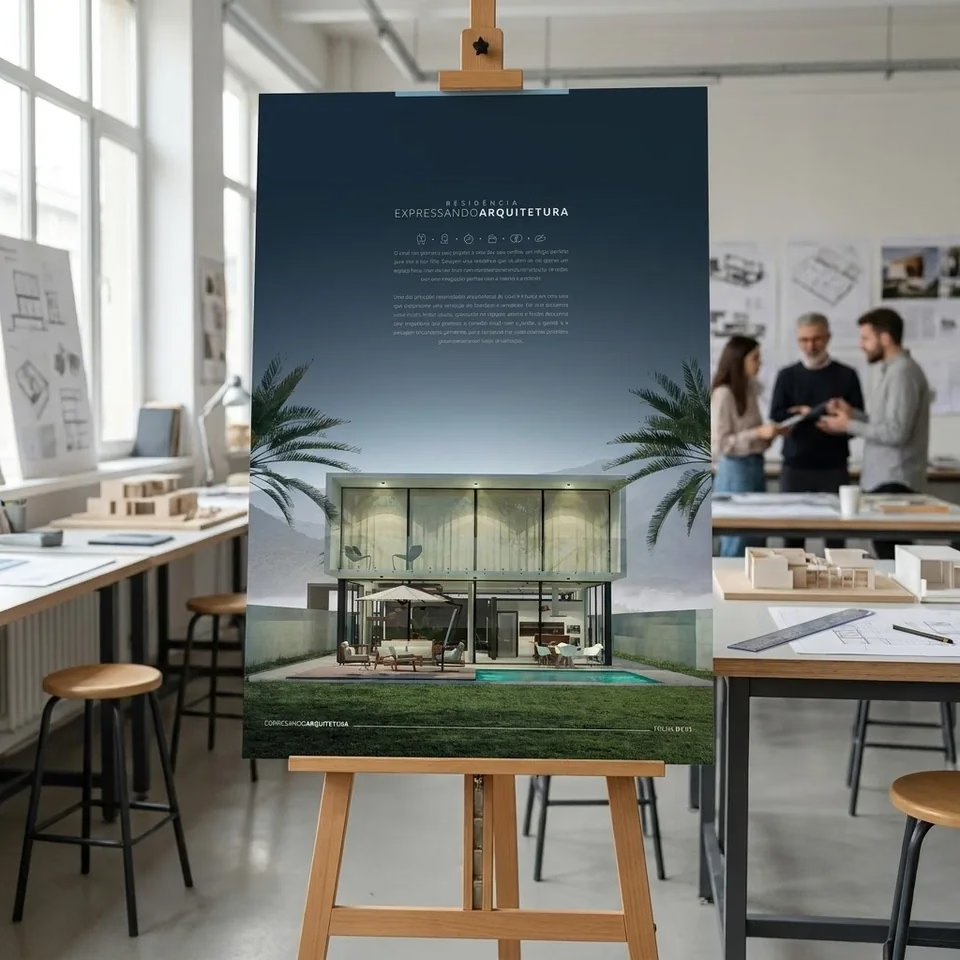
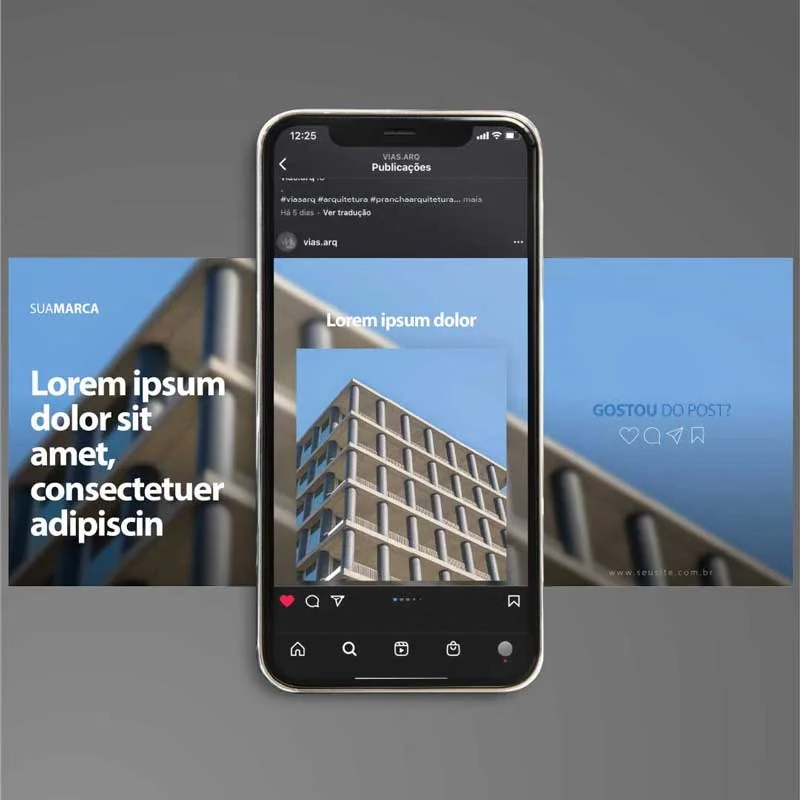
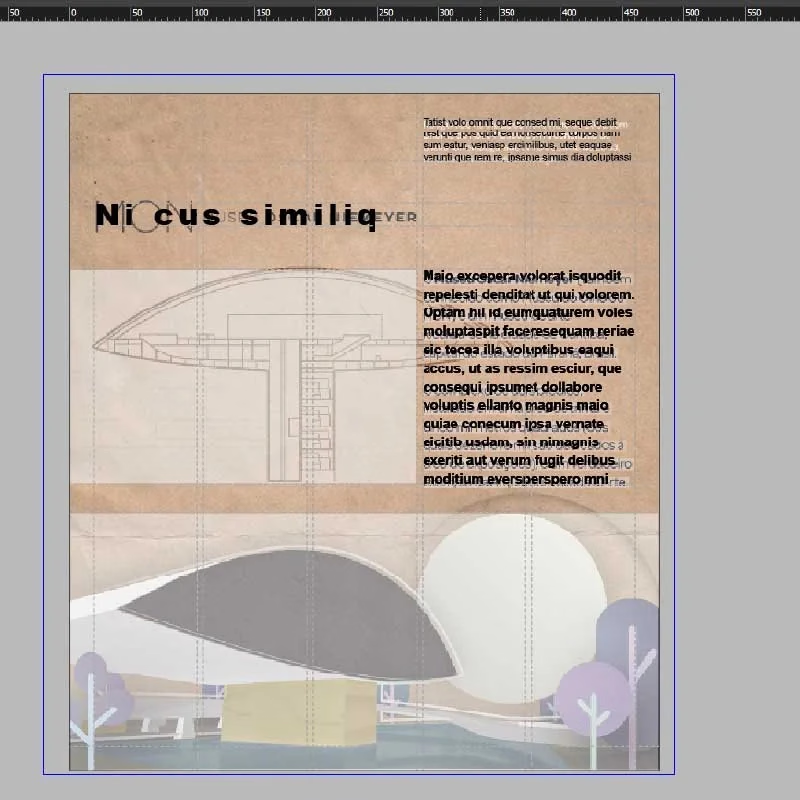
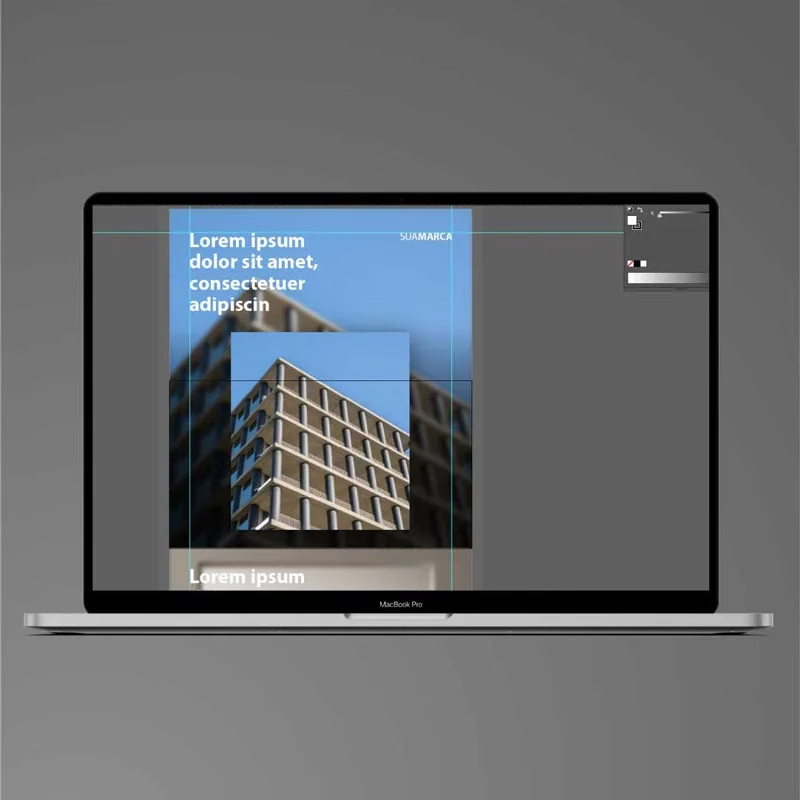
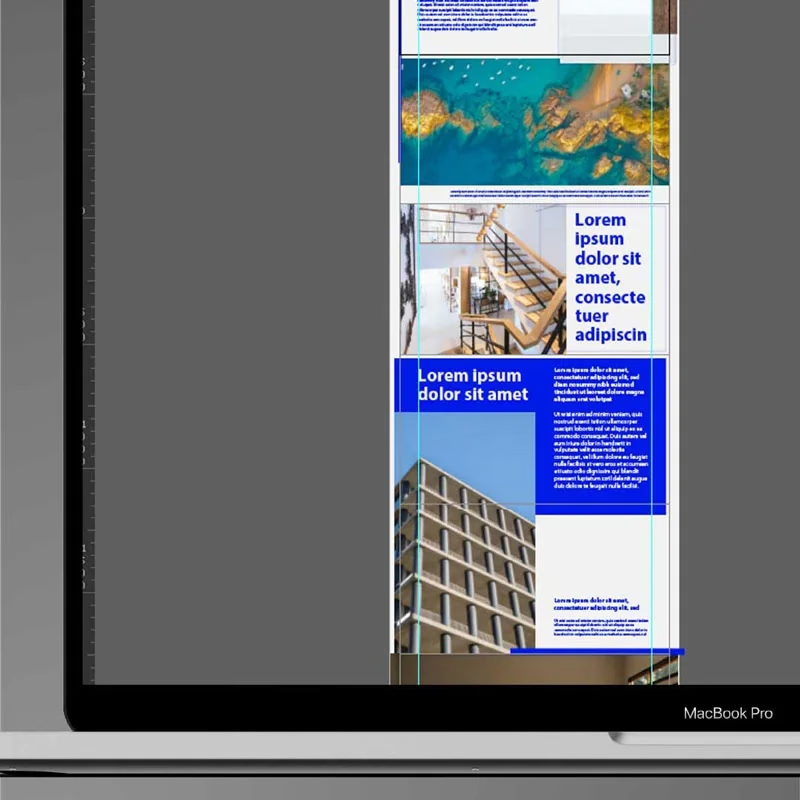
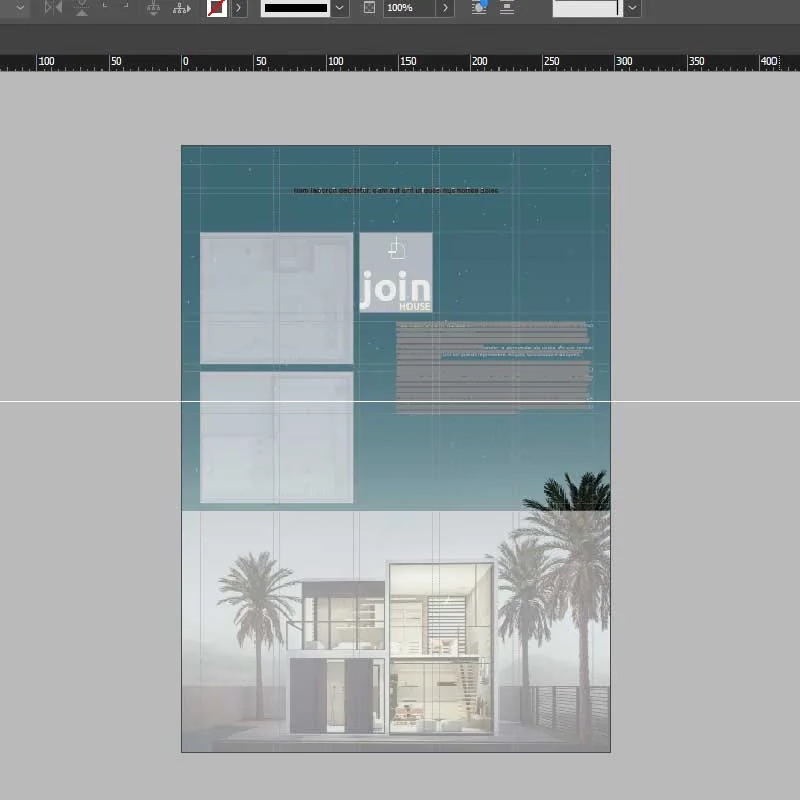
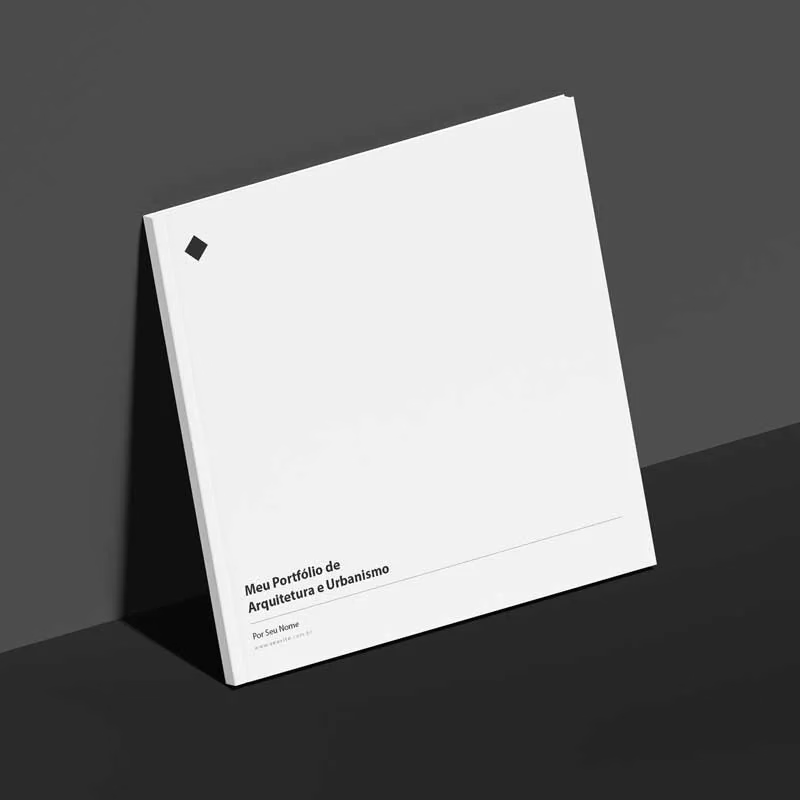
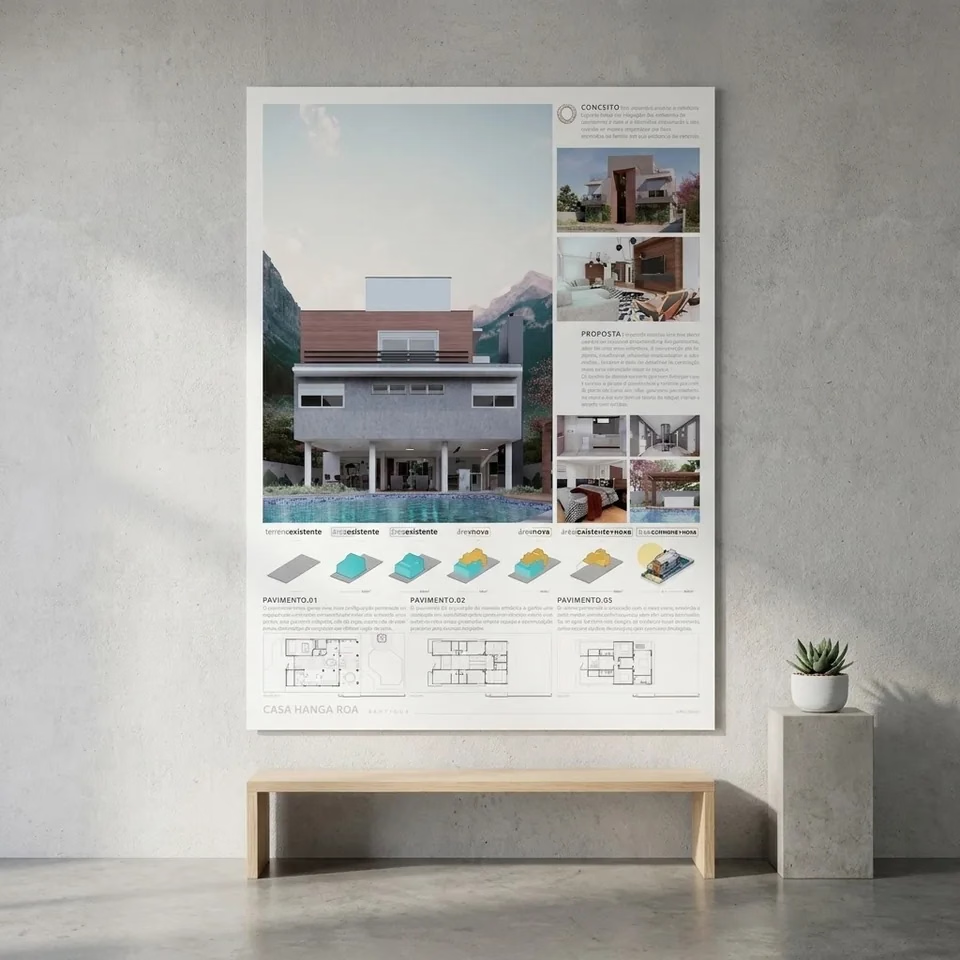
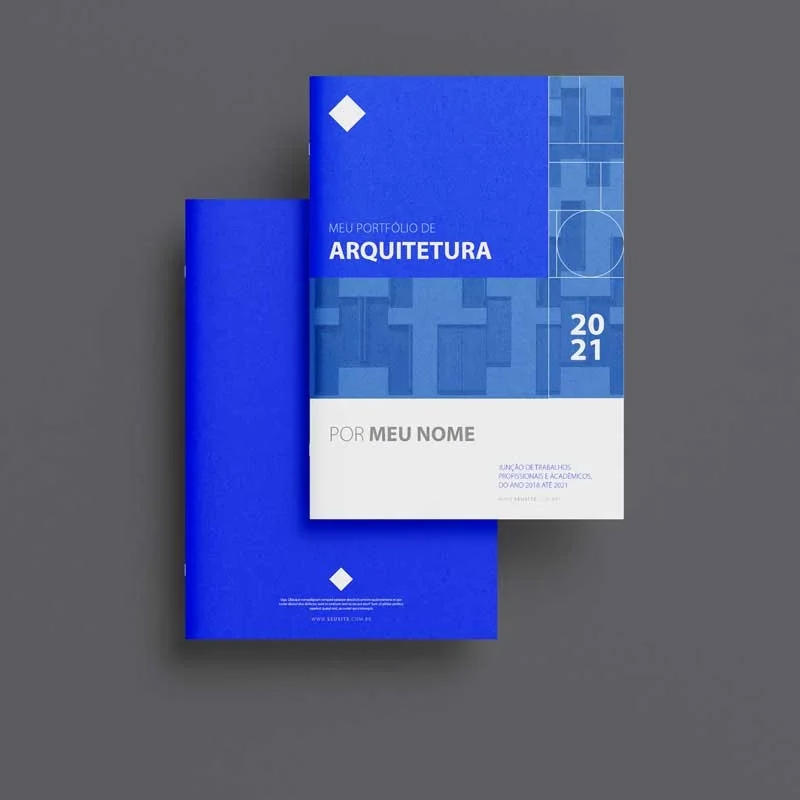
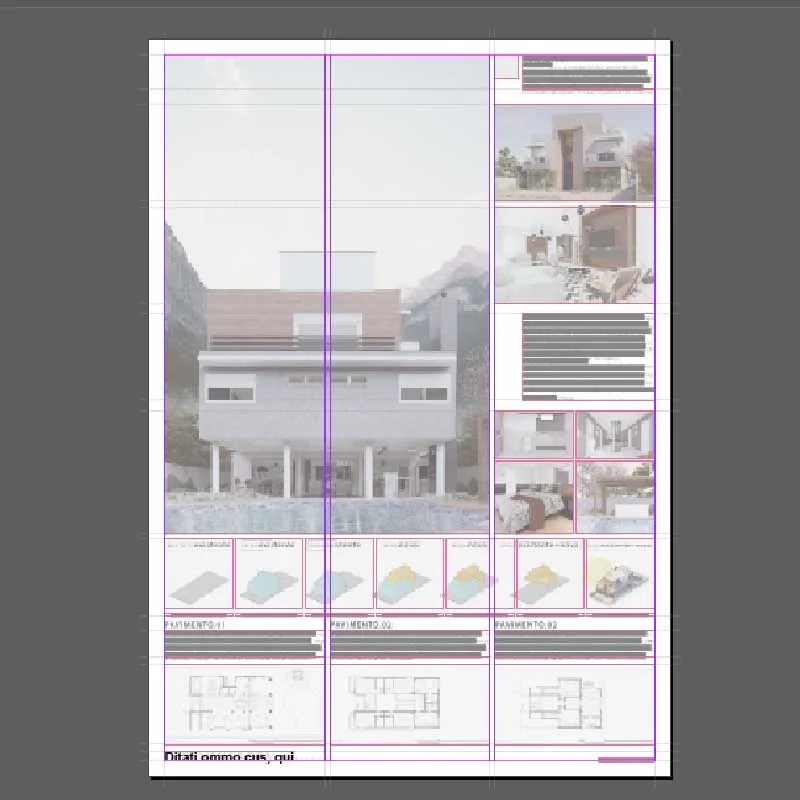
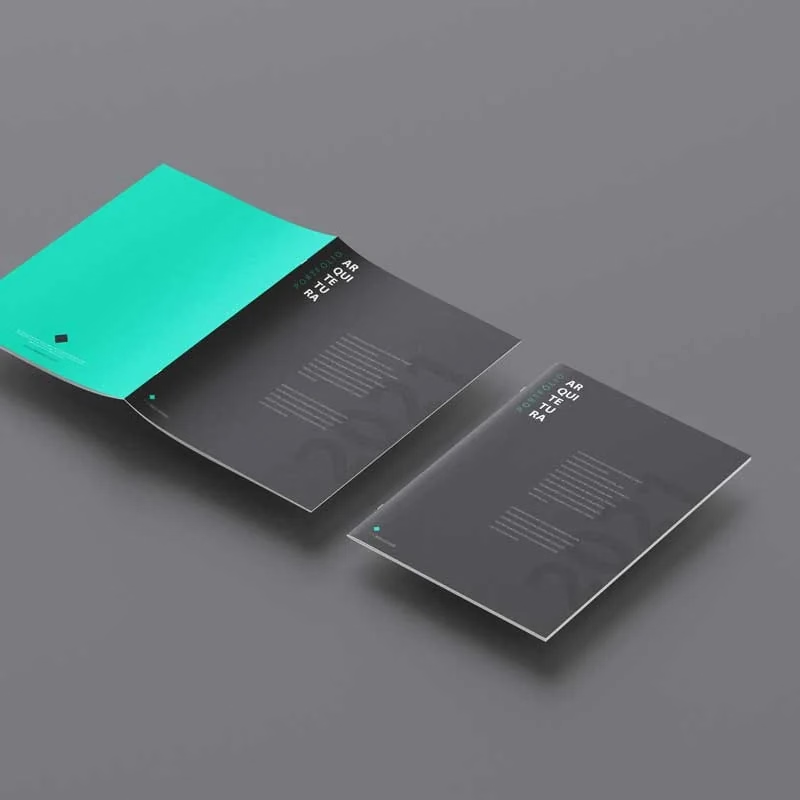
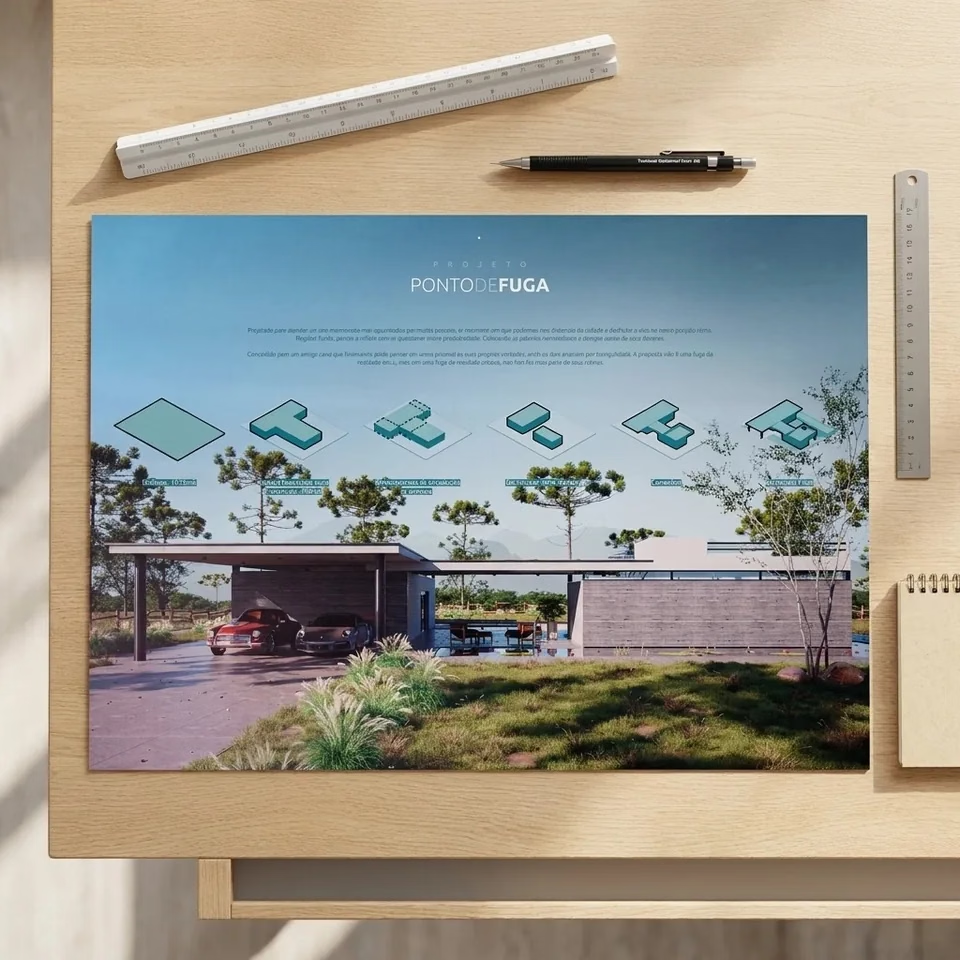
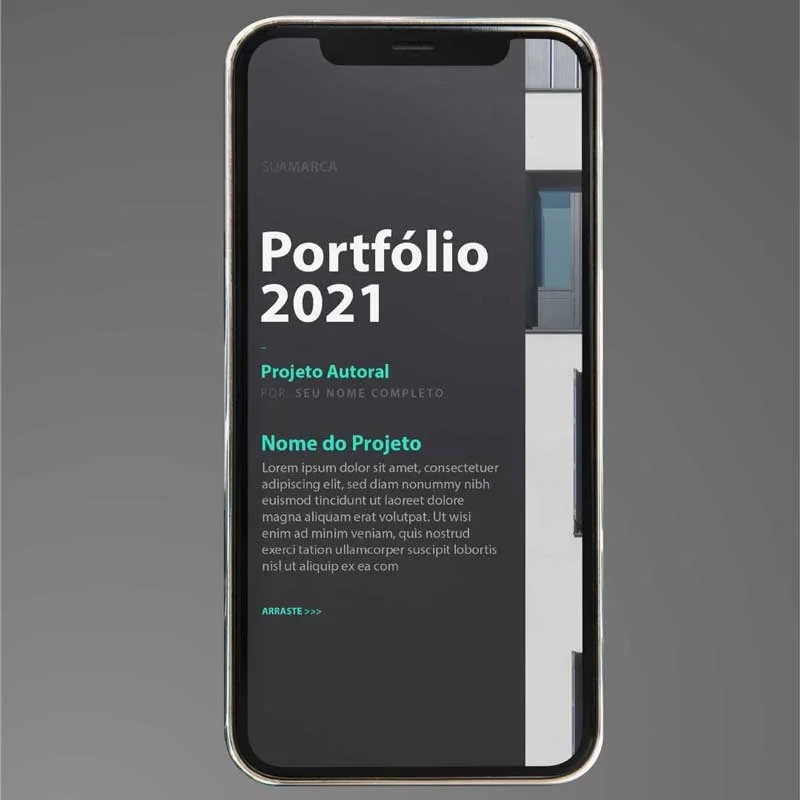
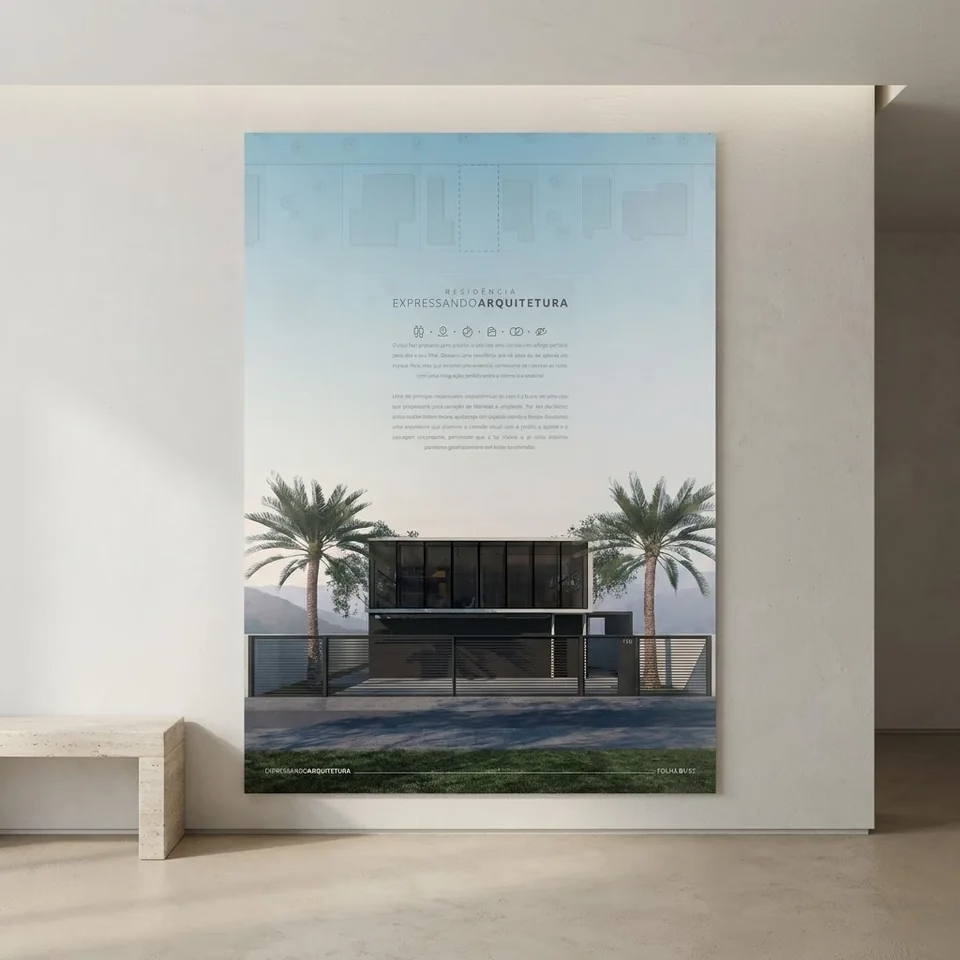
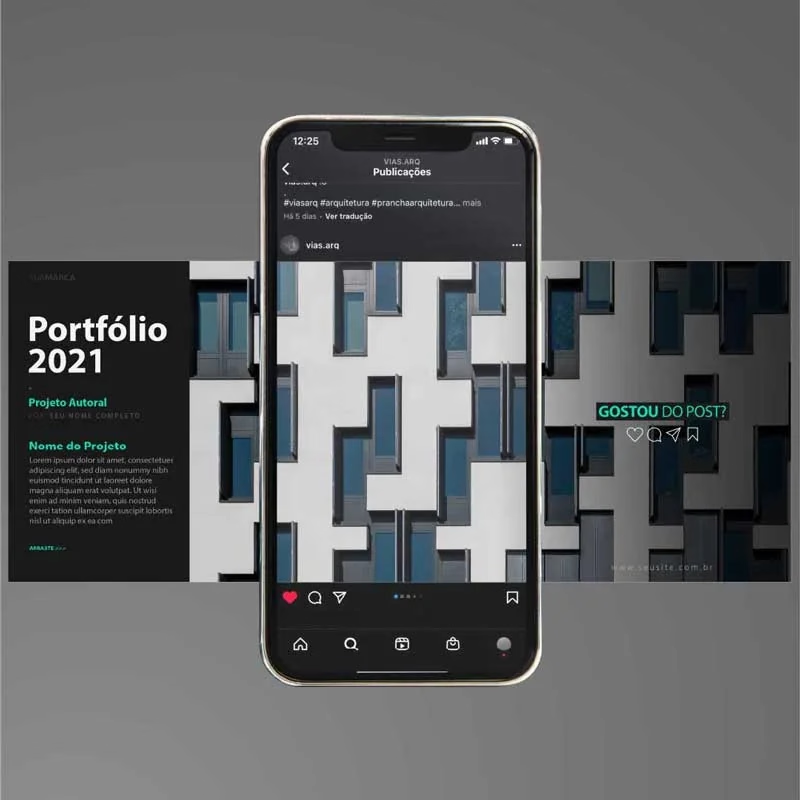
Some of the ready-made templates you’ll get

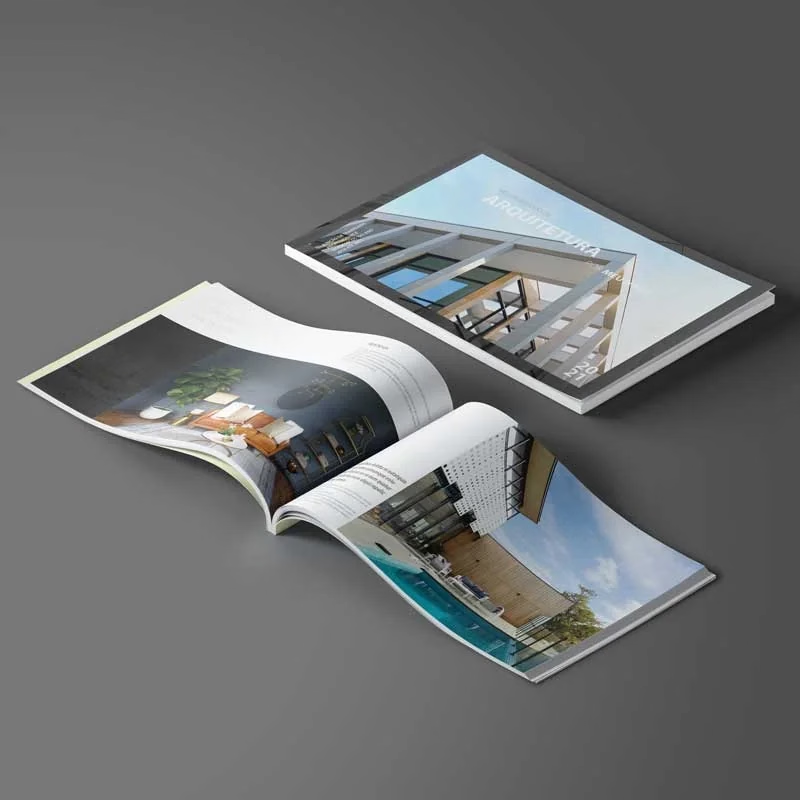
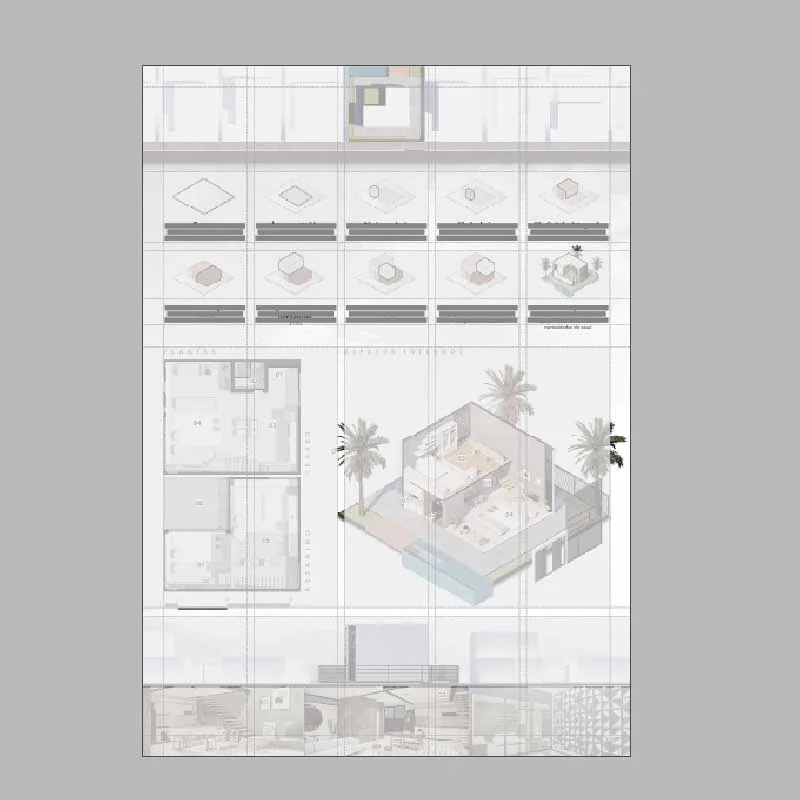
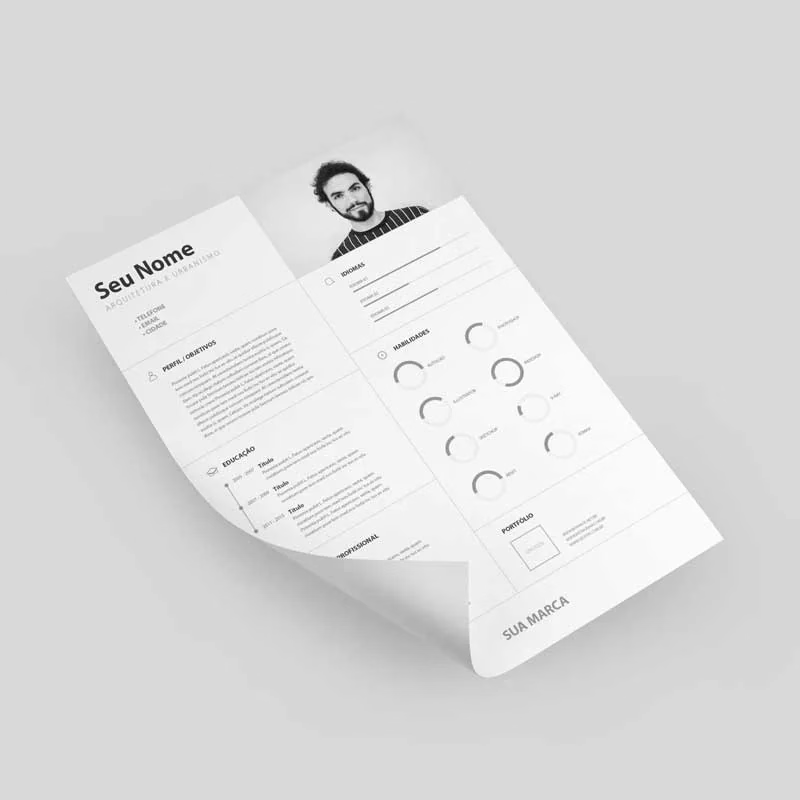
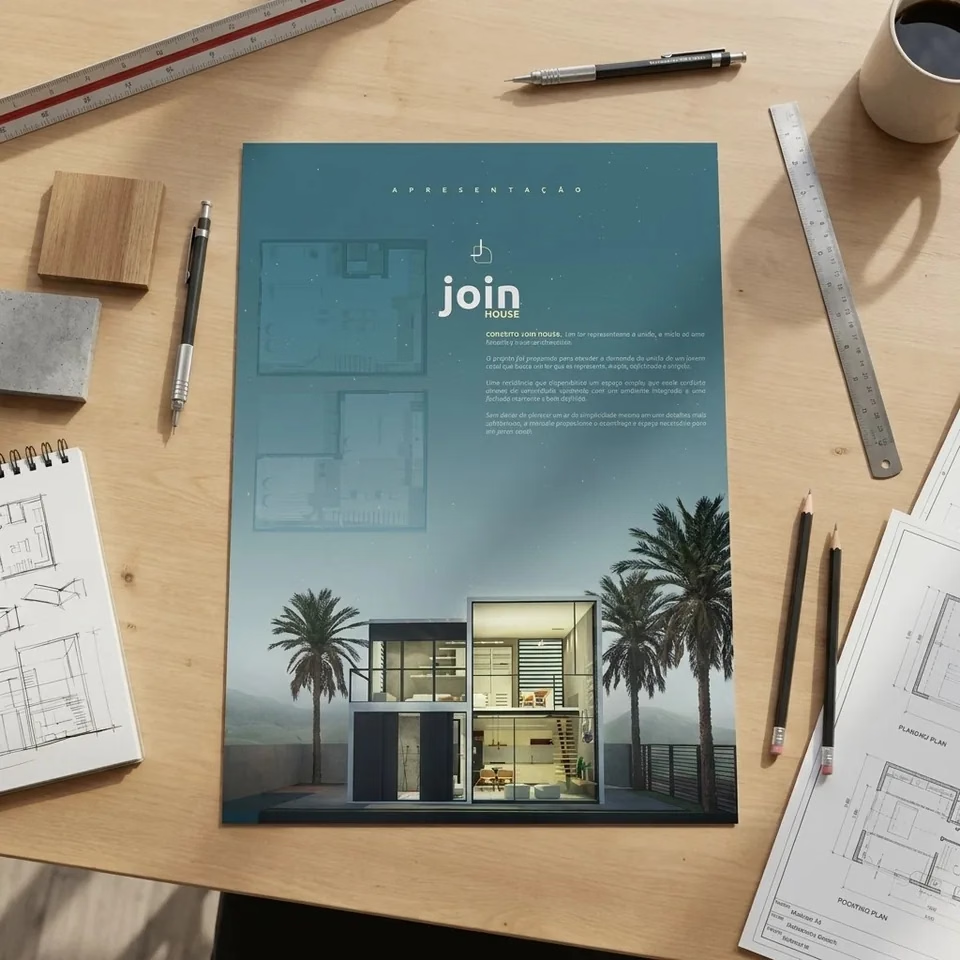
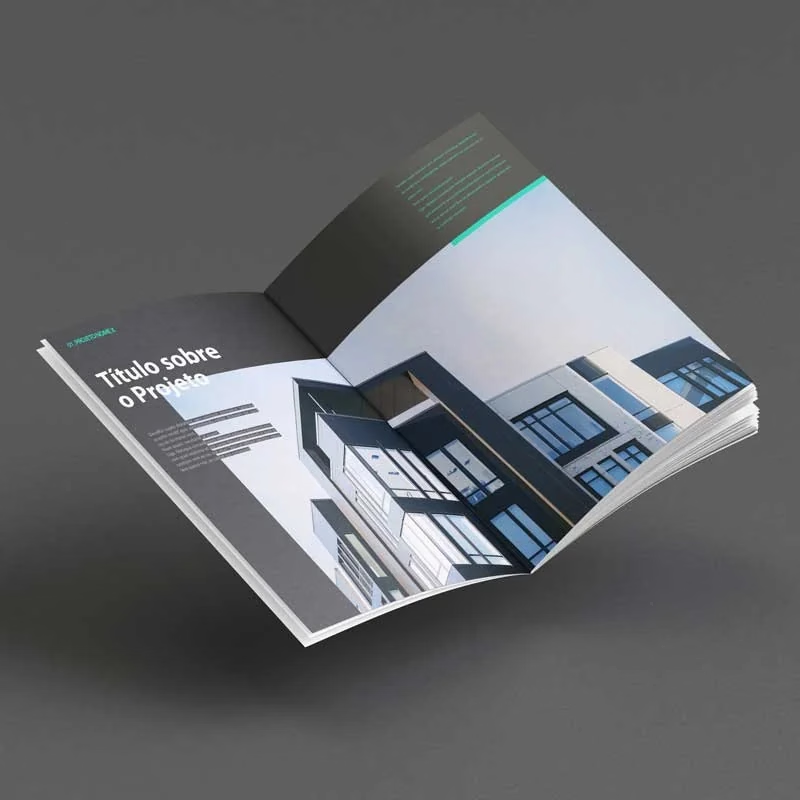
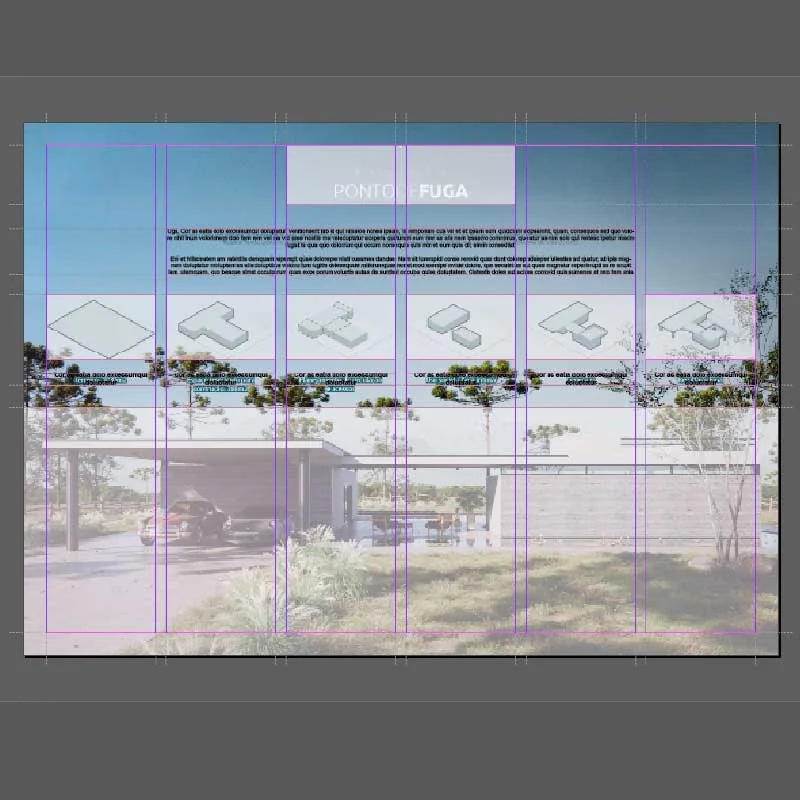
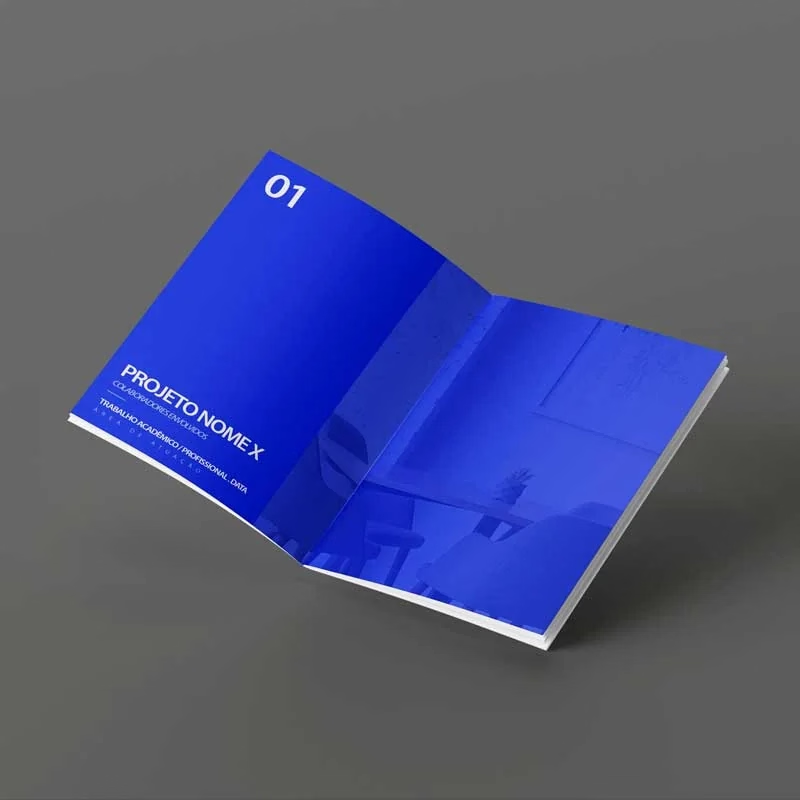
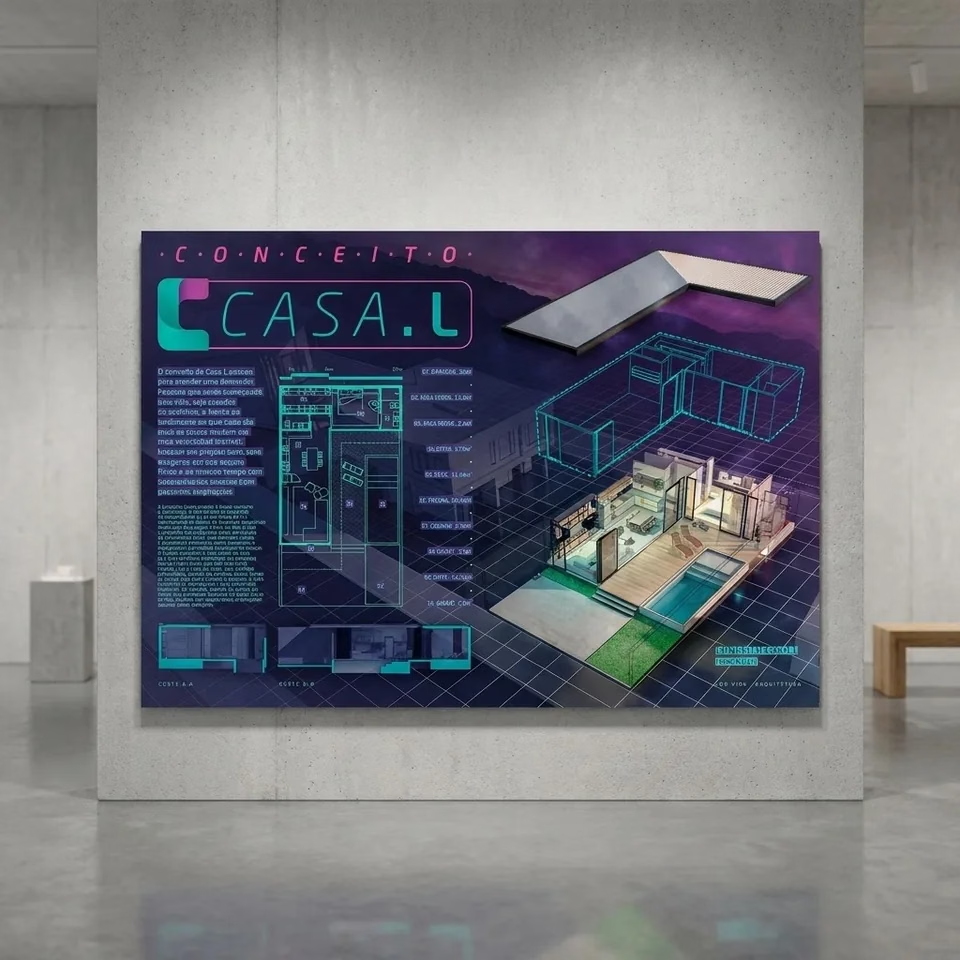
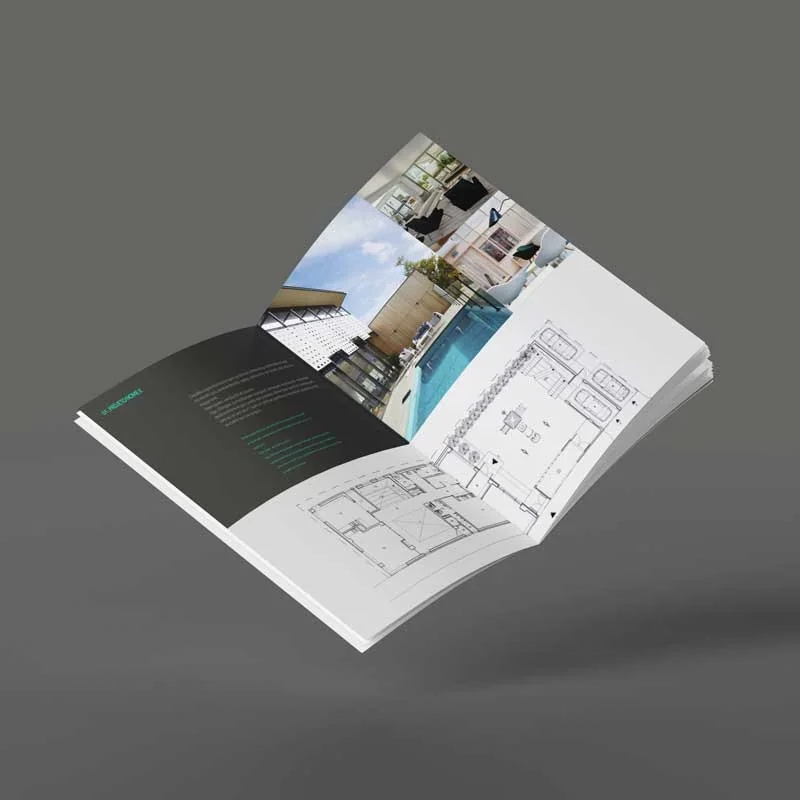
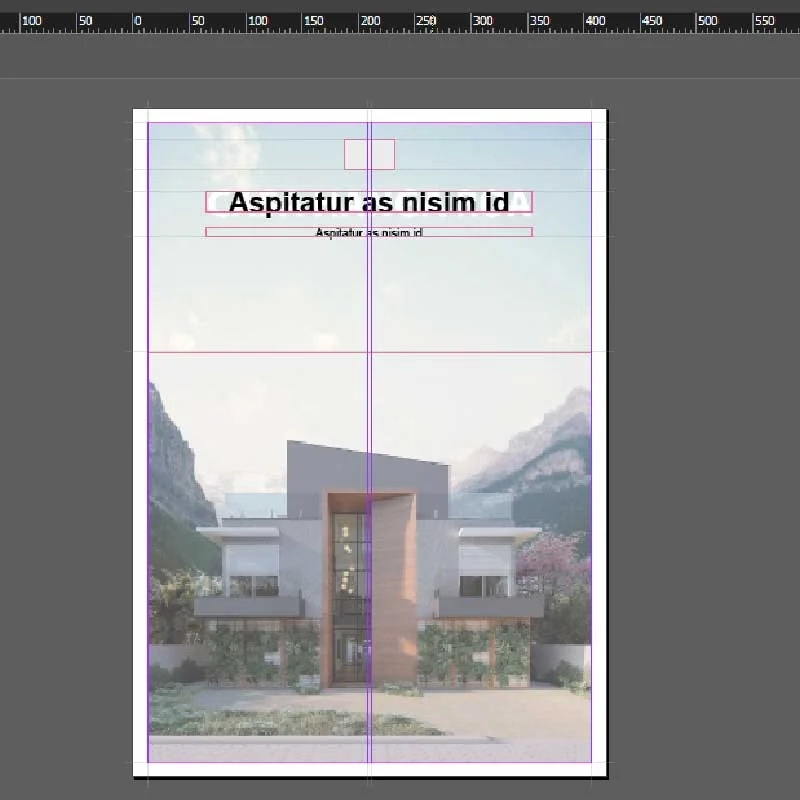
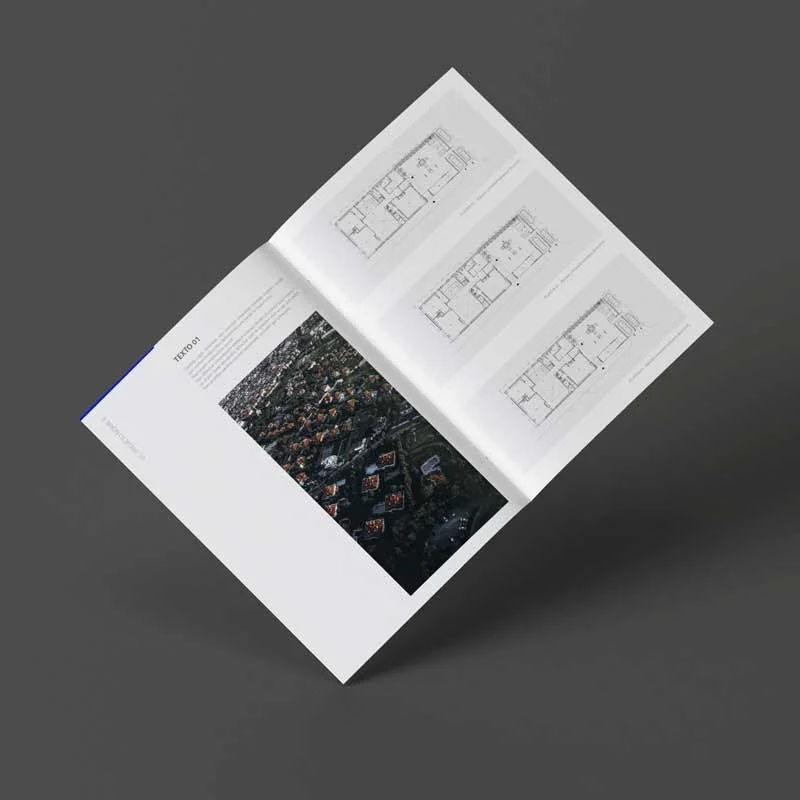
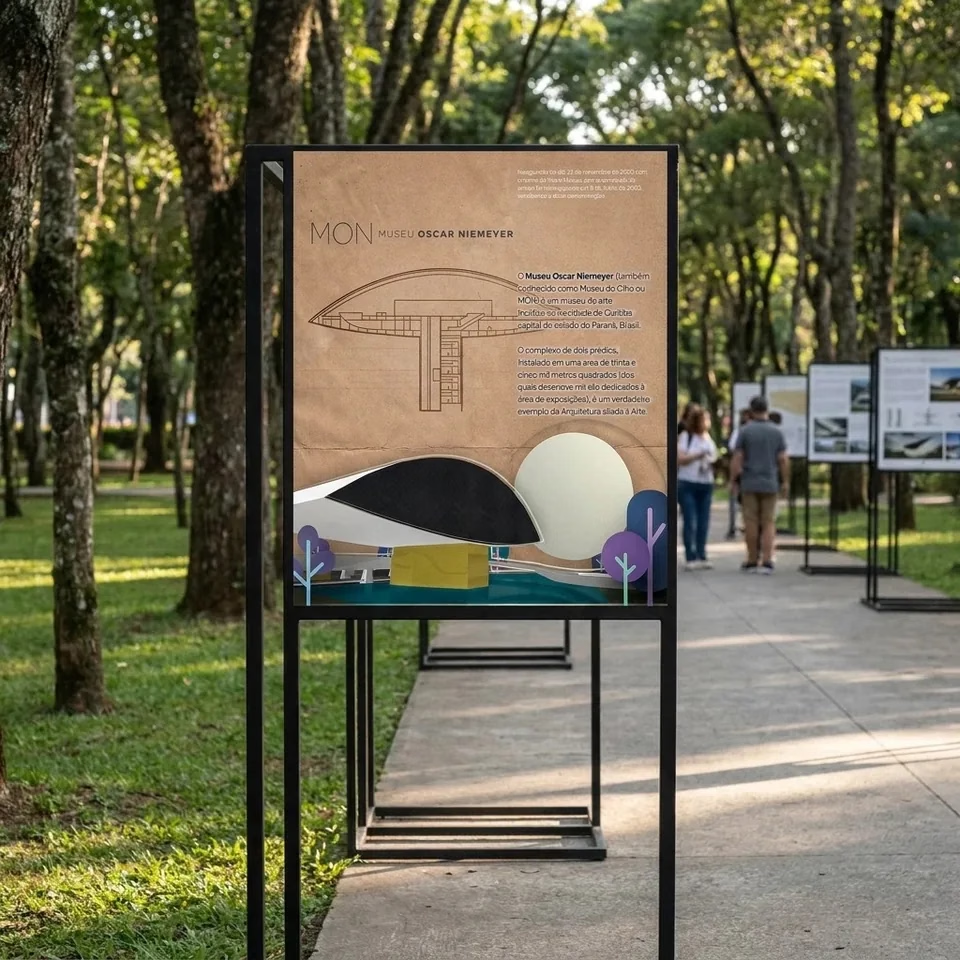
01RenderSoftware, materials, camera and composition
02ColorPalettes built from the project
03DiagramFrom SketchUp to Illustrator, with assets
04BoardPlanning, references and templates
05PortfolioStrategy, checklist and templates
Waitlist
Join the list and don't miss the 60% discount.
VIAS Black Friday 2.0 runs from November 27 to 30. Sign up with your email to get the link as soon as the bundle is available at a special price.
You don’t need to buy anything now. Signing up is free and is only used to send you updates about this offer.
- Purchase link in your inbox on the 27th
- A reminder before the offer ends
- No spam: only updates about this offer
Your data stays with VIAS and is only used to let you know about this offer.
What’s in the bundle
Each resource covers one step of the presentation.
Together they cover the whole journey: from the first image of the project to the portfolio that opens your next opportunity.
Template pack
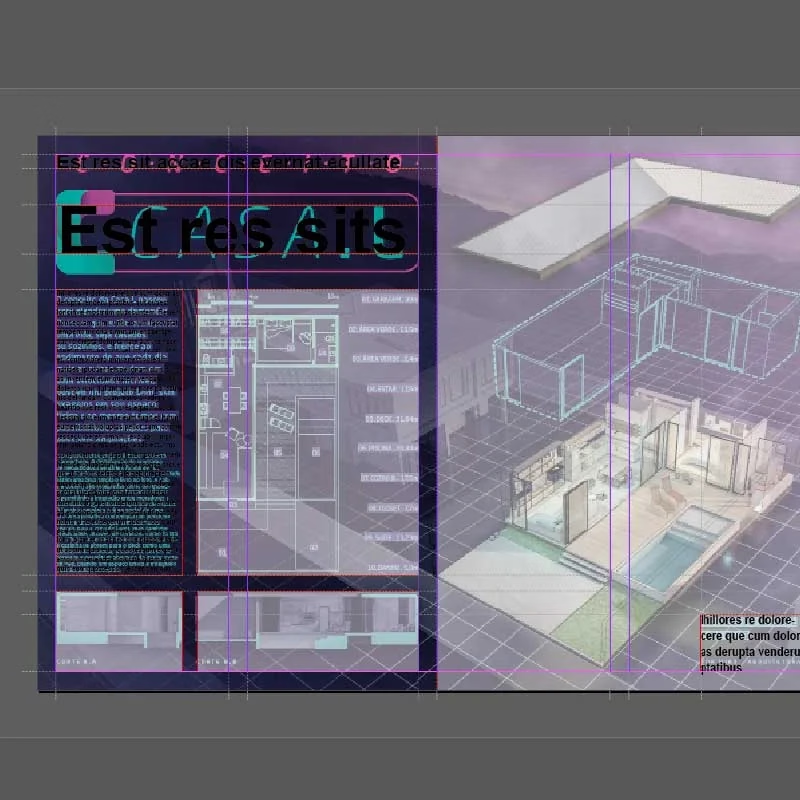
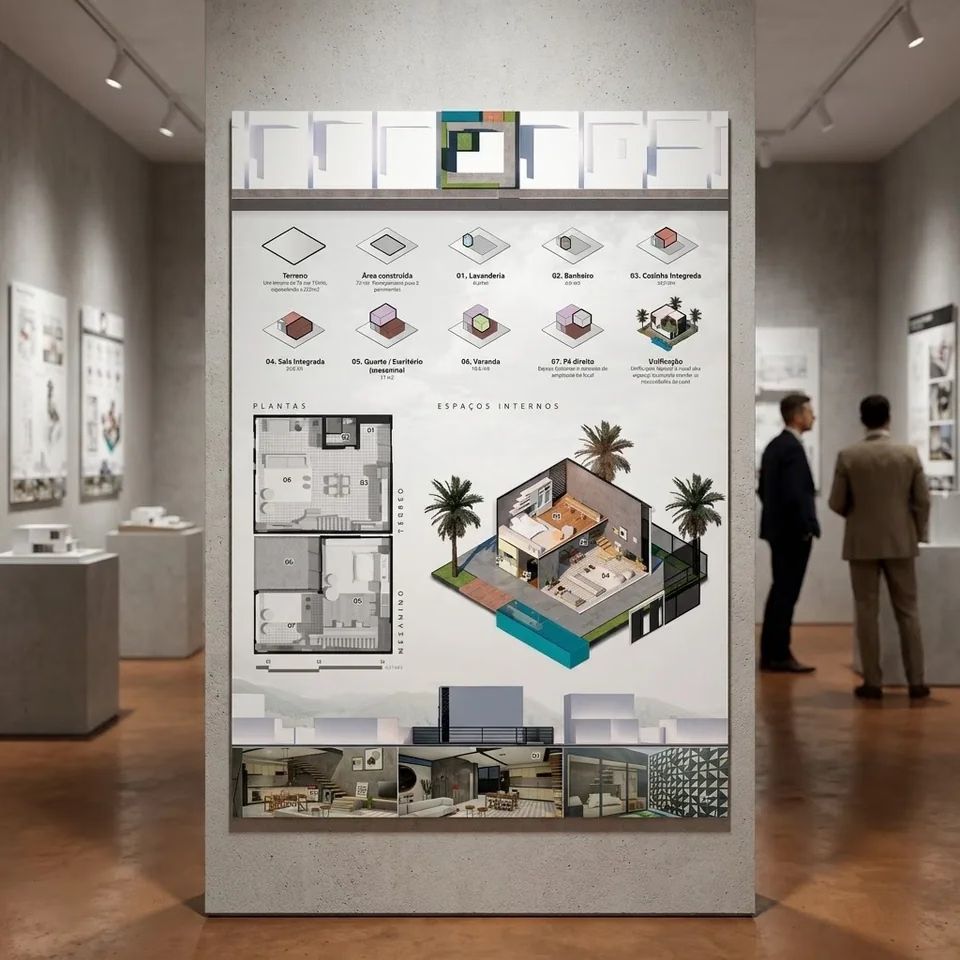
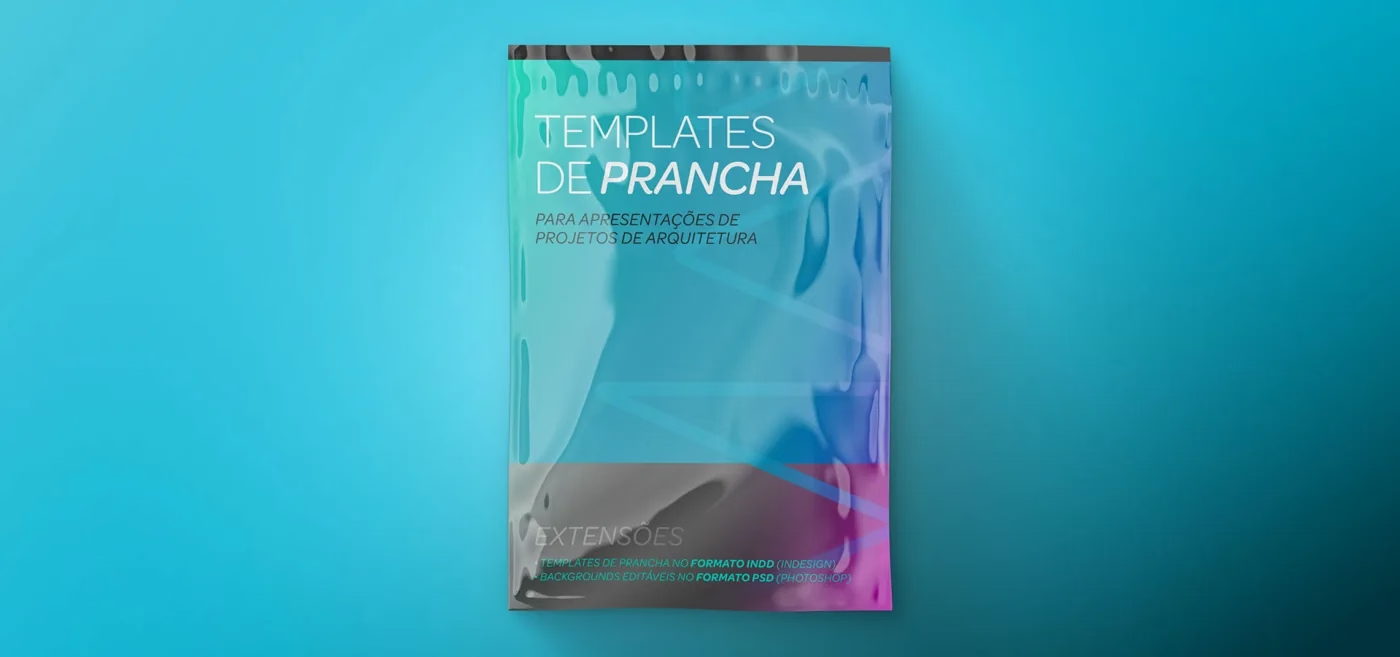
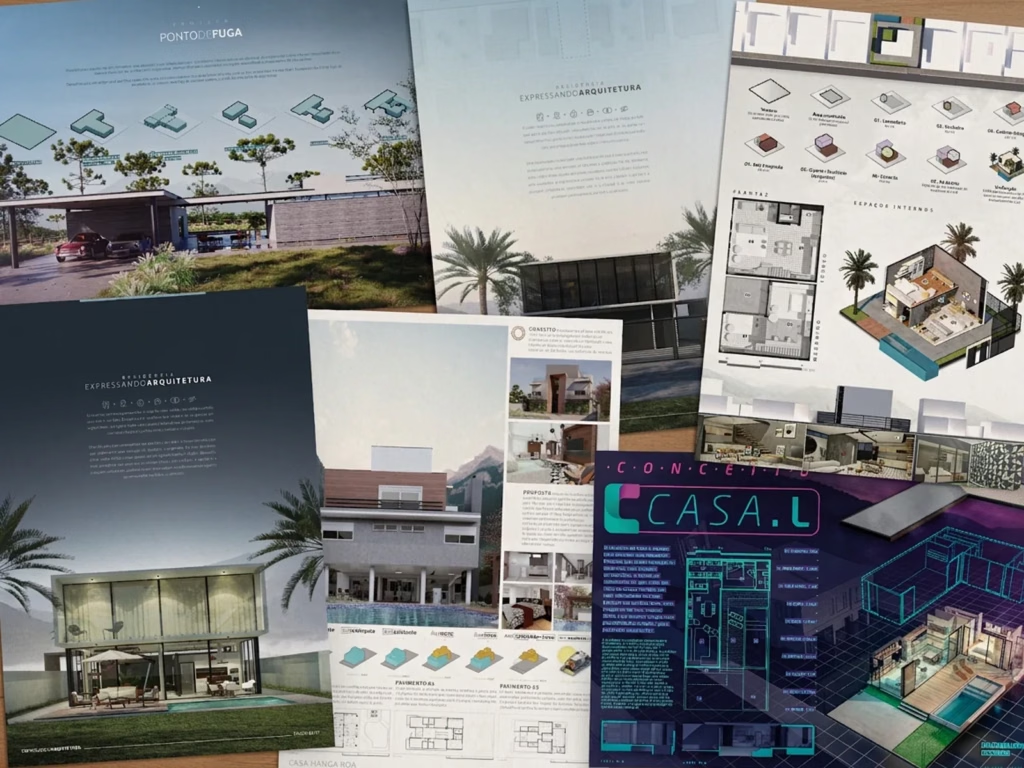
Board Templates
- Pre-configured layouts: just drop your content into a structure that’s already organized
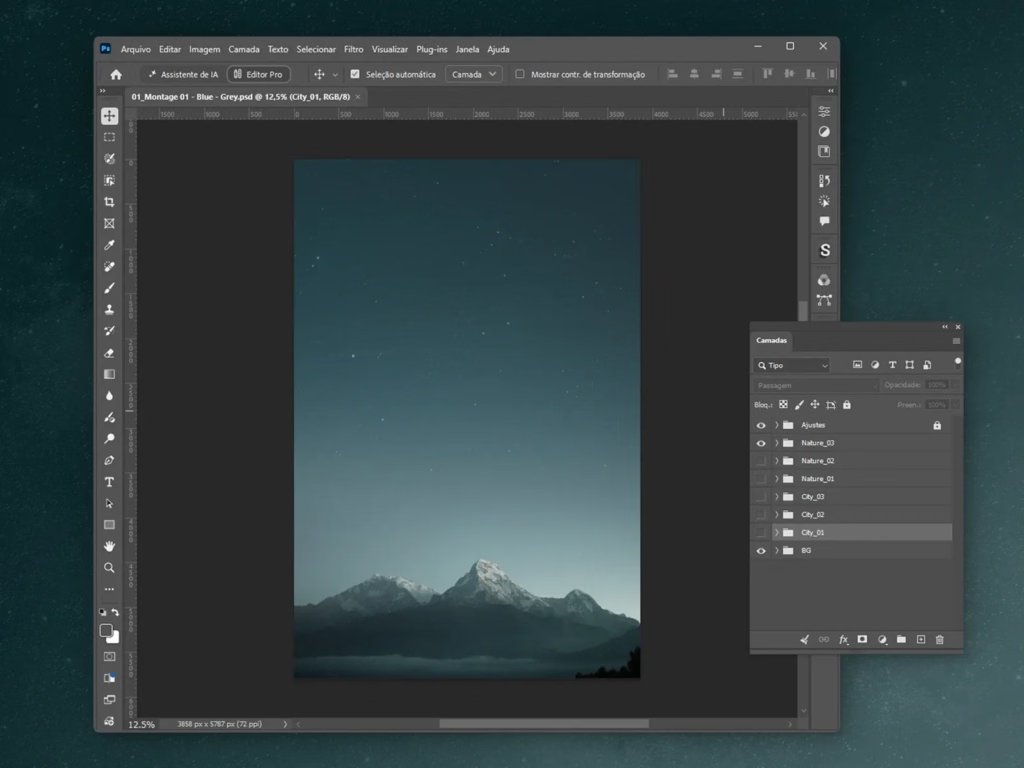
- Editable background pack, with different sky and skyline styles
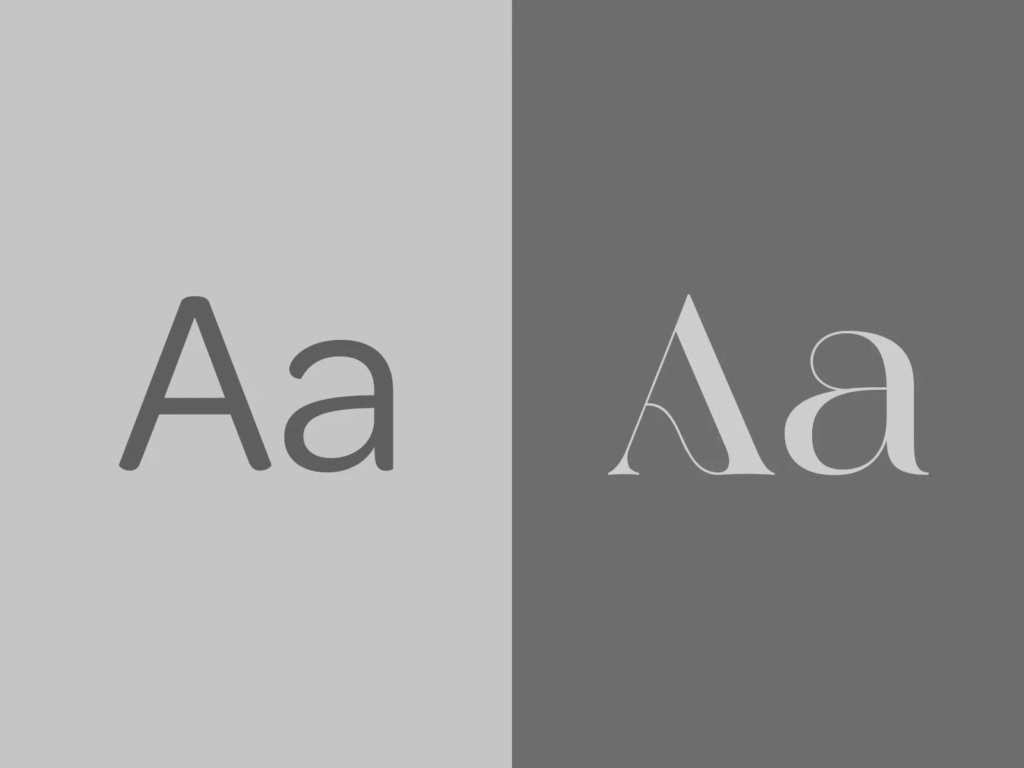
- Curated fonts for architecture and urban design
Sold separately$24.90
Inside the pack
What's in the Board Templates
File formats
- INDDBoard templatesTo edit in Adobe InDesign
- PSDEditable backgroundsSkies and skylines to edit in Photoshop
Files can also be edited in Affinity and in ArtCraft’s apps, which are free.
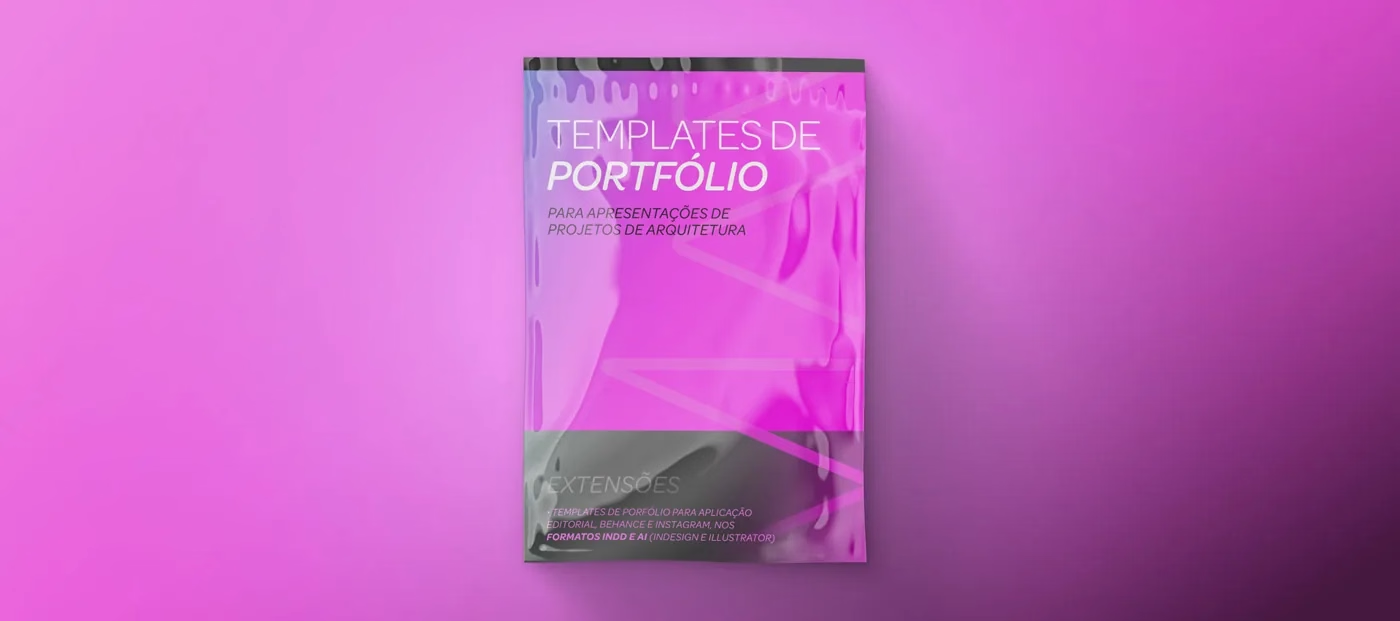
Template pack
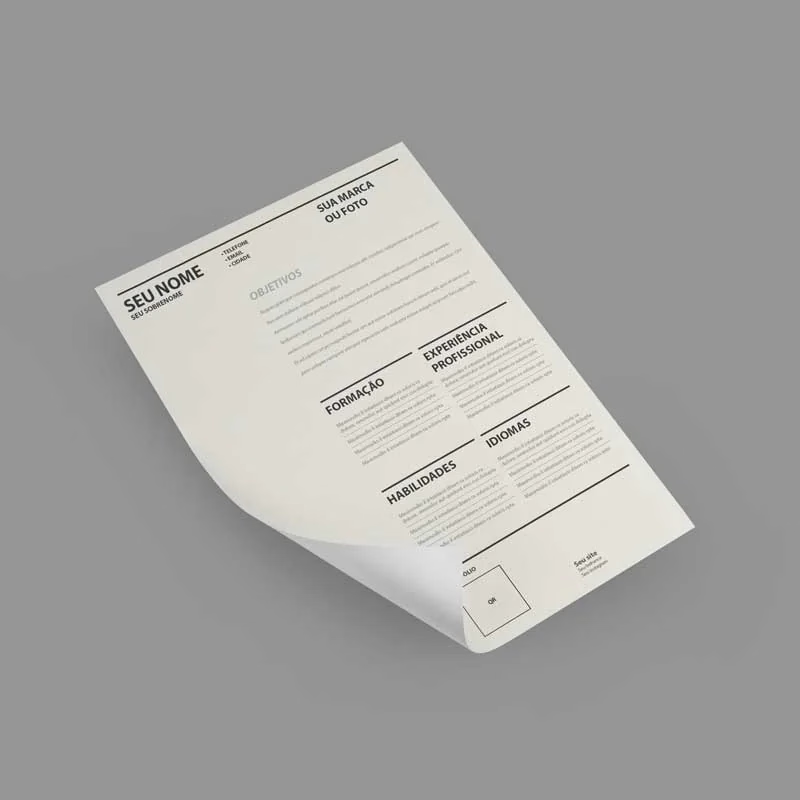
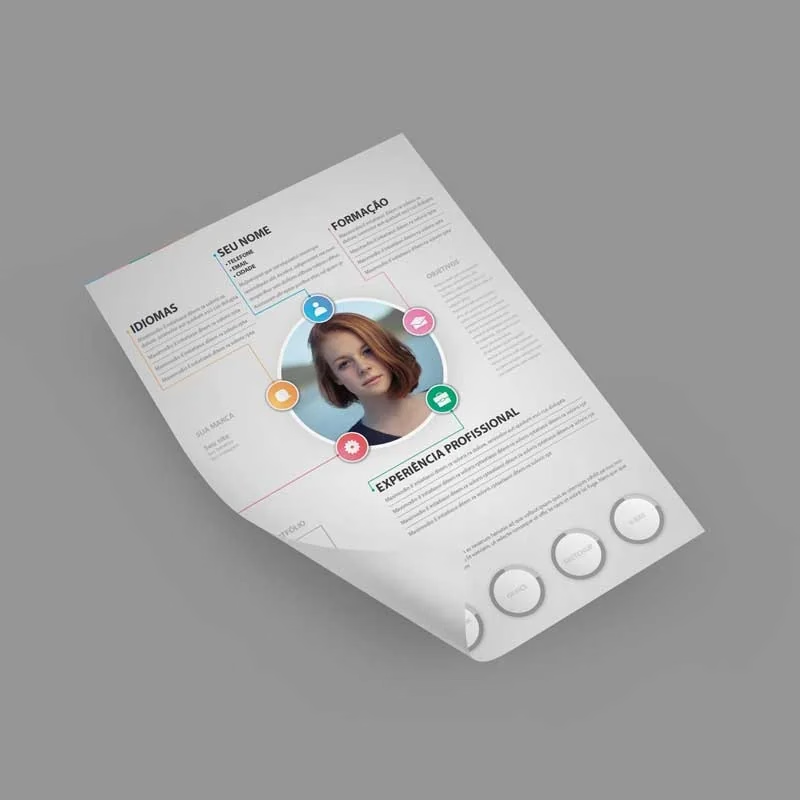
Portfolio Templates
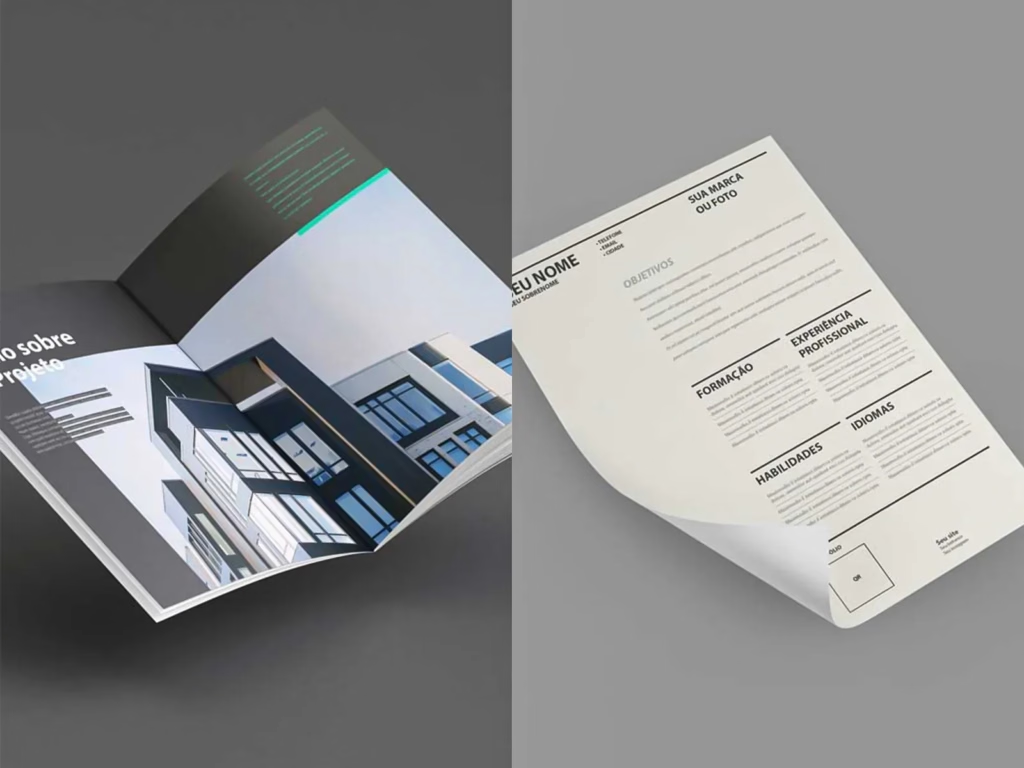
- Portfolio and résumé layouts for print, Behance and Instagram
- Editable icon pack
- Curated fonts for architecture and urban design
Sold separately$24.90
Inside the pack
What's in the Portfolio Templates
File formats
- INDDPortfolio and résumé templatesPrint, Behance and Instagram, to edit in Adobe InDesign
- AIPortfolio templatesVersions to edit in Adobe Illustrator
Files can also be edited in Affinity and in ArtCraft’s apps, which are free.
Updated
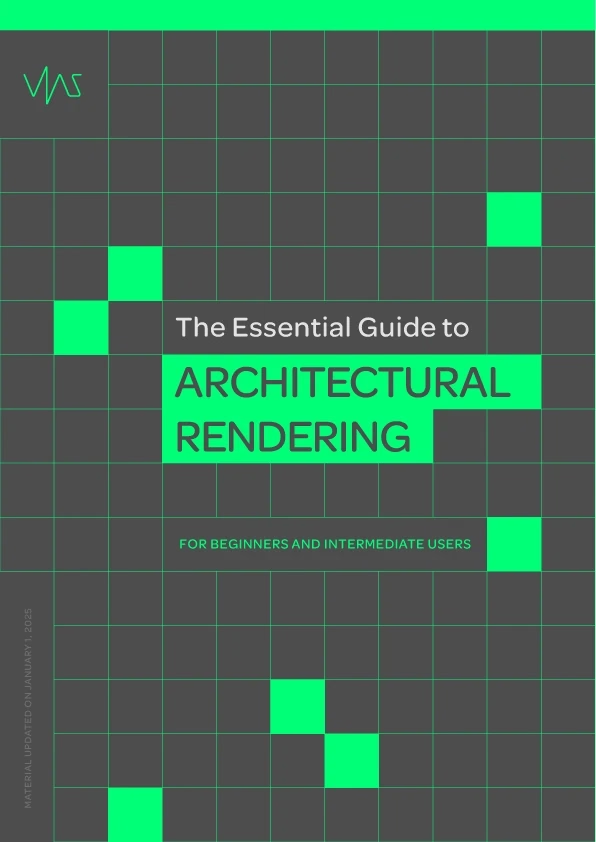
E-book · 164 pages
The essential guide to Rendering
CPU or GPU, the main software (V-Ray, Lumion, Enscape, Corona, D5…), textures, materials, cameras and image composition.
Sold separately$9.90
New
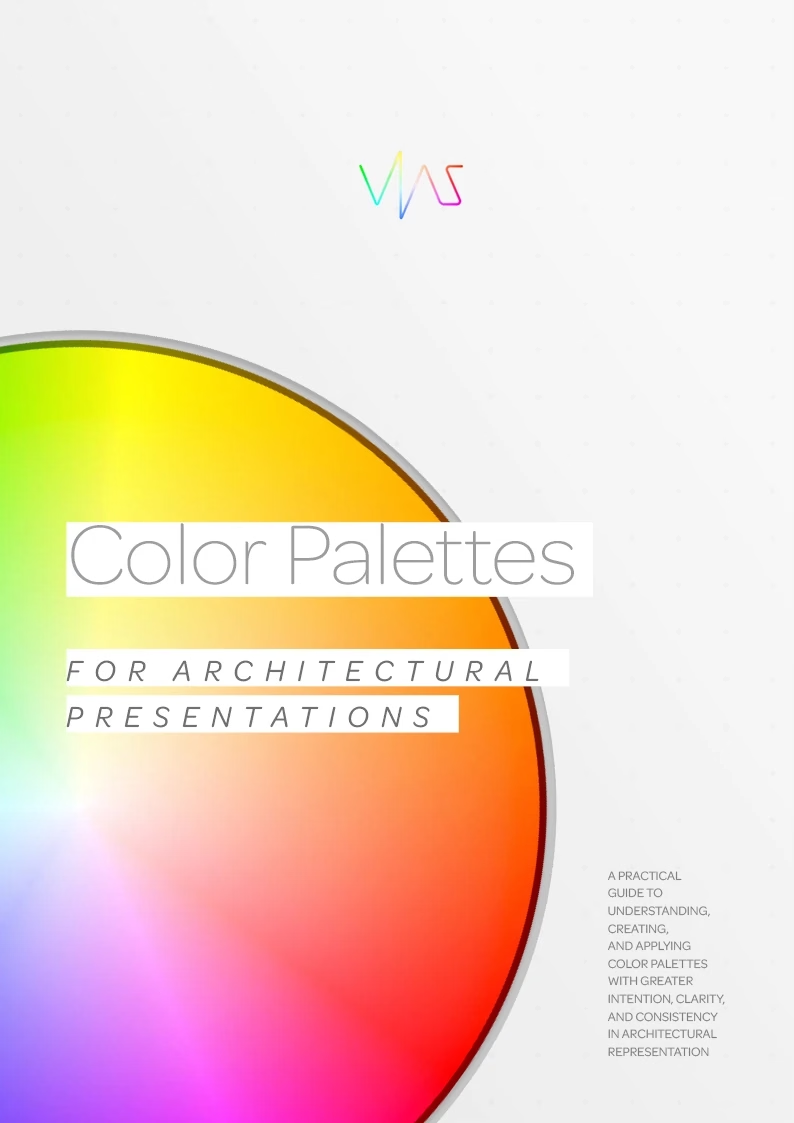
E-book · 90 pages
Color palettes for presentations
Color fundamentals, how to pull palettes from materials and the project’s context, and a step-by-step in Adobe Color and Illustrator.
Sold separately$9.90
Updated
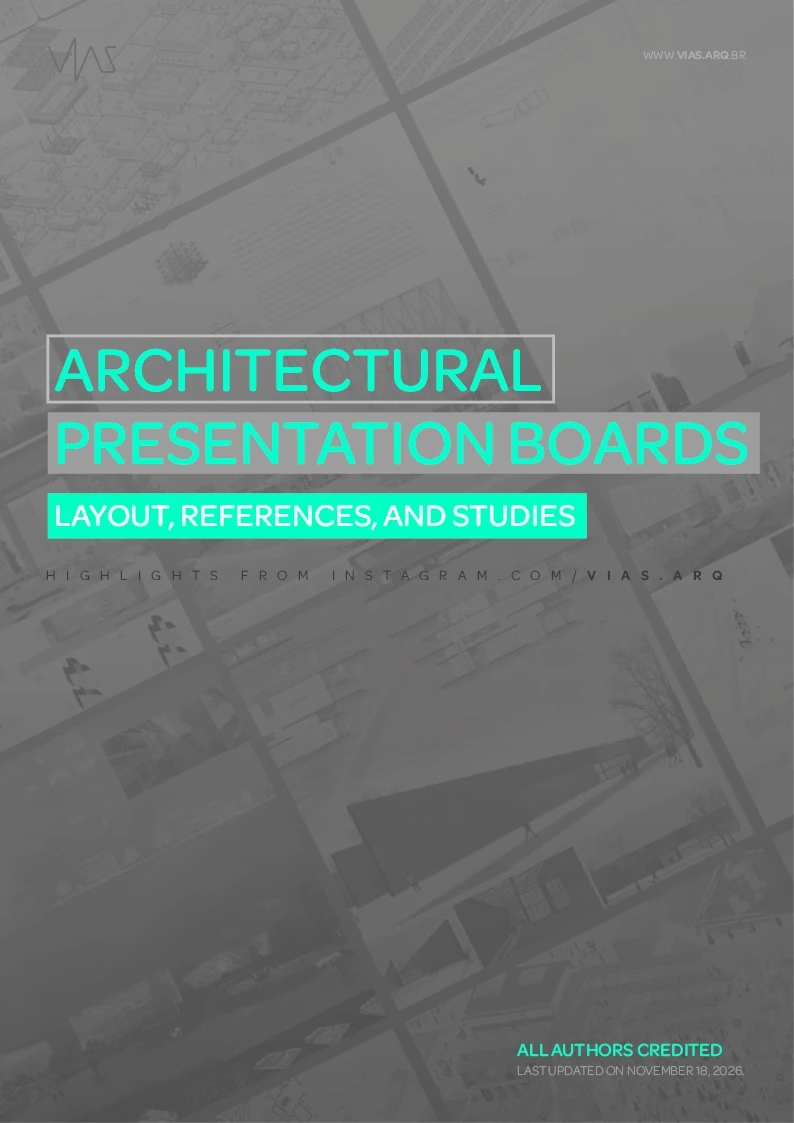
E-book · 392 pages
Architectural Presentation Boards
How to plan the presentation before producing the drawings, plus a breakdown of the most-liked boards on @vias.arq: margins, colors and elements.
Sold separately$9.90
New
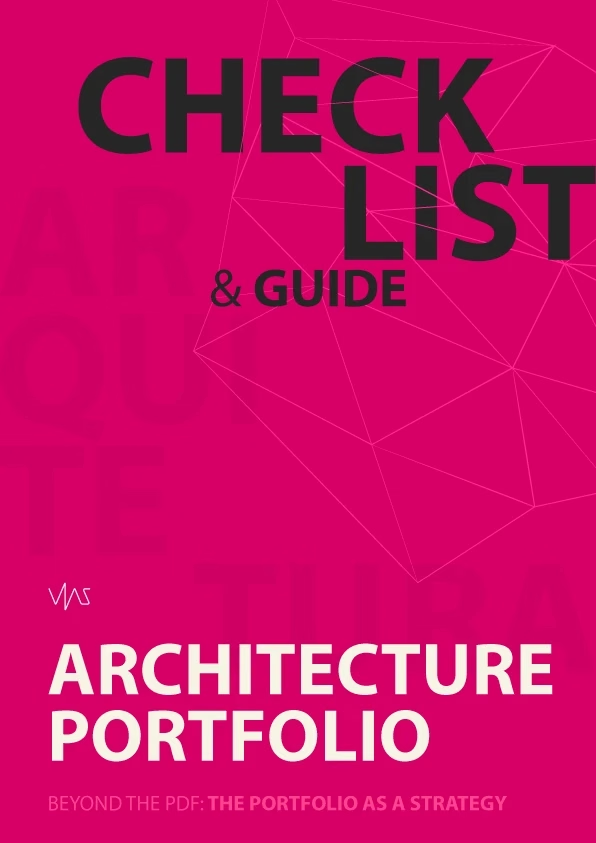
E-book · 162 pages
Portfolio Checklist and Guide
Choosing projects, visual identity, digital and print formats, the InDesign-to-Canva workflow and a final checklist before you send it.
Sold separately$9.90
E-book · 164 pages
The Essential Guide to Architectural Rendering
There are plenty of tools, but the fundamentals stay the same. In plain language and with no prior knowledge required, this guide brings together the concepts that make a render work: from the hardware that processes the scene to choosing the framing and the final file.
It doesn’t teach one specific program. It explains what’s behind all of them, so you understand what each setting does and can make your own decisions, whether in V-Ray, Lumion, Enscape or D5.
What you’ll learn
- The difference between CPU and GPU rendering, and what ray tracing is
- How V-Ray, Lumion, Enscape, Corona, Unreal, Blender, Twinmotion and D5 work
- The maps that make up a material: albedo, normal, roughness, displacement and UV
- Light types, color temperature and global illumination
- Features that speed up your work: Render IDs, denoiser and proxies
- Camera and composition: focal length, depth of field, exposure and framing
- Which format to export: JPG, PNG, TIFF or EXR
- 00 . Introductionp. 04
- 01 . CPU vs GPUp. 07What is a CPU? · What is a GPU? · Ray tracing
- 02 . Softwarep. 22V-Ray · Lumion · Enscape · Corona Renderer · Unreal Engine · Blender · Twinmotion · D5 Render
- 03 . Texturesp. 41Diffuse (or Albedo) · Normal · Roughness · Displacement · UV mapping · Websites to download textures
- 04 . Materialsp. 52Albedo/Diffuse · Roughness/Glossiness · Specular/Reflection · Normal Map/Bump Map · Displacement
- 05 . Lightsp. 63Skylight · Directional Light · HDRI · Point Light · Spotlight · Area Light · Color temperature · Global Illumination
- 06 . Render IDsp. 76What Render IDs are · Examples
- 07 . Denoiserp. 83How the Denoiser works · Examples
- 08 . Proxyp. 90What is a Proxy? · Examples · When to use Proxies?
- 09 . Camerasp. 98Focal Length · Depth of Field · Exposure and ISO · White Balance · 18, 24, 35, 50 and 85 mm · Image composition
- 10 . Framing and compositionp. 113Types of framing · Camera angles and positions · Perspective and vanishing lines · Composition principles · Format and aspect ratio · How to choose the framing
- 11 . Image file formatsp. 145JPG · PNG · TIFF · EXR
- Conclusionp. 152
E-book · 90 pages
Color Palettes for Architectural Presentations
Color is everywhere in a presentation: renders, diagrams, maps, plans, backgrounds and text. Chosen at random, it makes the presentation confusing and disconnected from the project. Chosen with intent, it creates unity, sets hierarchies and reinforces what matters most in the architecture.
This guide doesn’t hand you a formula for the right palette. It gives you criteria to choose, adjust and apply color with more intent and less trial and error.
What you’ll learn
- How RGB, CMYK and HSB work, and why color changes between screen and print
- Hue, saturation, lightness and contrast in practice
- How to build coherent combinations from the color wheel
- How to pull palettes from materials, landscape and the project’s context
- How to apply the palette to diagrams, maps and boards
- A step-by-step in Adobe Color and Illustrator to research, extract and organize palettes
- 01 . Color fundamentalsp. 04The RGB, CMYK and HSB systems and the concepts of hue, saturation, lightness and contrast
- 02 . Color palettesp. 16How colors relate and how to build coherent combinations using principles like the color wheel
- 03 . From architecture to palettep. 34How materials, landscape and context guide color choices, and how those palettes show up in architecture, diagrams, maps and boards
- 04 . Toolsp. 52Adobe Color and Adobe Illustrator to research, extract, adjust, organize and develop palettes
- 05 . Visual examplesp. 73Architecture, diagram, map and board references analyzed through their color choices
- 06 . Conclusionp. 84Why color matters in representation and the key criteria to use it with intent
E-book · 392 pages
Architectural Presentation Boards: layout, references and studies
A good board isn’t just a composition of drawings and images. It’s a communication tool: it organizes information, builds a narrative and changes how the project is presented and understood.
The e-book starts with planning, even before producing the drawings, moves through grids, hierarchy, typography and color, and ends with a breakdown of the 12 most-liked boards on @vias.arq, showing the design decisions behind each one.
What you’ll learn
- Plan the presentation before producing plans, sections and renders
- Build a narrative across context, development and solution
- Choose format and orientation, and work with one- to six-column grids
- Organize hierarchy, visual weight and white space
- Set readable typography, sizes and spacing
- Use color to organize information and create identity
- Review and export boards for print and screen
- 01 . Planning the presentationDefining content, planning space and producing drawings designed for the composition
- 02 . The board as narrativeContext, development and solution. Cover, summary, survey, process, content and conclusion boards
- 03 . Representation elementsMaps, diagrams, technical drawings, renders and text, and how they complement each other
- 04 . Formats and dimensionsPaper sizes, landscape or portrait orientation and margins
- 05 . Grids, margins and columnsOne- to six-column structures, division, grouping and alignment
- 06 . Layout and visual hierarchyBalance, proportion, reading order, visual weight and white space
- 07 . Typography on boardsFonts, titles, body text and captions, with size and spacing references
- 08 . Color and visual identityPalettes, contrasts and combinations to organize information
- 09 . Software and workflowProduction tools and how to bring together drawings, diagrams, images and layout
- 10 . Preparation and finishingReviewing drawings, text legibility, image quality and export
- 11 . References and case studies12 boards analyzed: composition, columns, colors and graphic elements
- 12 . From reference to practiceHow to turn references into decisions and build your own graphic language
E-book · 162 pages
Architecture Portfolio Checklist and Guide
Your portfolio is often the first contact between your work and whoever can open a new door for you. It frequently speaks for you before any conversation happens, so it needs to be built with strategy, not as a file that piles up everything you’ve ever done.
This guide walks through every step: from the role a portfolio plays to choosing projects, from layout to digital and print formats, all the way to review, export and sending. At the end, a checklist to use before you send the file.
What you’ll learn
- Why a portfolio is a communication tool, not an archive
- How it affects your pay, your credibility and your positioning
- The structure of a clear portfolio aimed at the right audience
- How to curate and pick the right projects
- Grid, typography, hierarchy and white space working for the architecture
- Formats: PDF, online platforms, social media and print
- The InDesign-to-Canva workflow
- 01 . What a portfolio isp. 04Beyond the PDF: the portfolio as strategy
- 02 . The document that decides your salaryp. 12Authority, perceived value and professional positioning
- 03 . Anatomy of an irresistible portfoliop. 22Structure, clarity and focus
- 04 . Less is morep. 32The art of choosing projects
- 05 . Visual identity and magnetic layoutp. 40Hierarchy, rhythm and consistency
- 06 . Where and how: from digital to printp. 58Format, platform and distribution
- 07 . An efficient workflow: from InDesign to Canvap. 90Tools, organization and production
- 08 . Checklist: the final action planp. 122Review, export and sending
- Before you finishp. 154Perfectionism and next steps
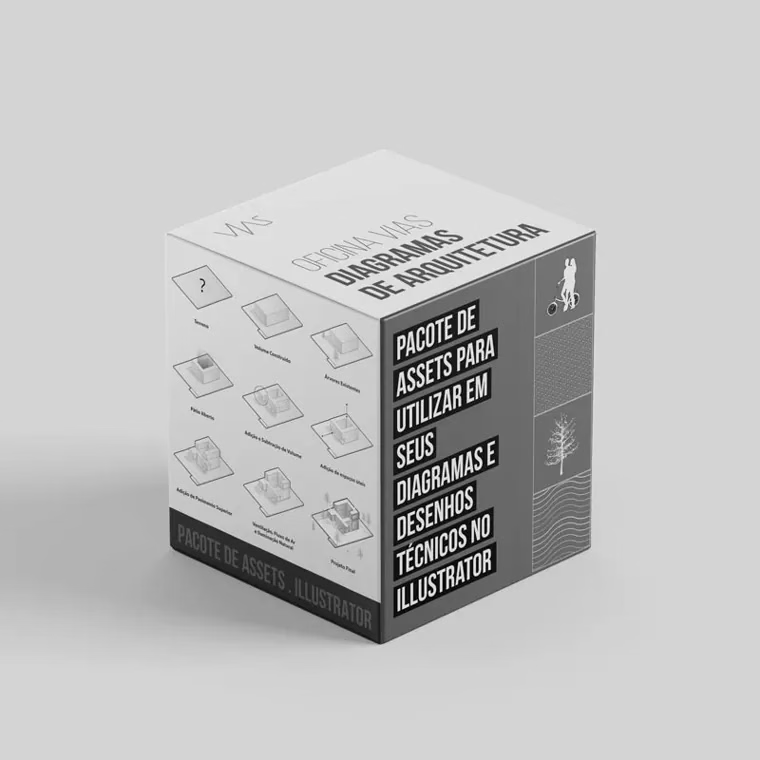
Bonus · Diagram Workshop
The full workshop, with every asset.
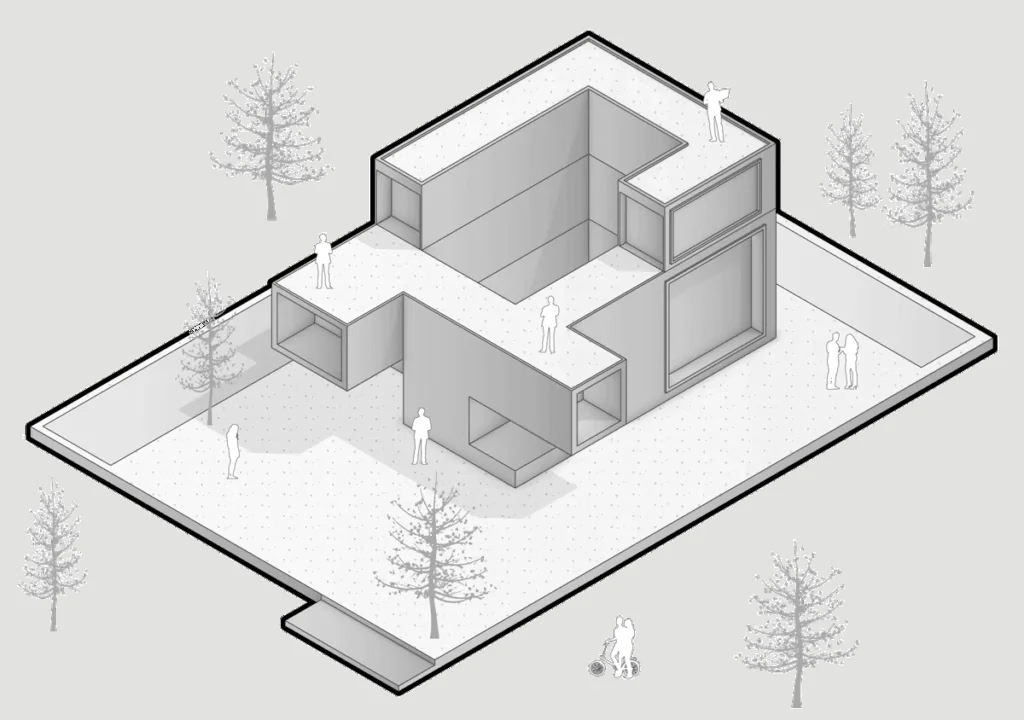
Learn to make diagrams from scratch to the final result, and take the asset library with you to use in all your projects.
- Exclusive assetsFor diagrams and vector drawings
- 2h25 of lessonsIn modules, no experience needed
- SketchUpModeling and organizing the model
- IllustratorRefining, editing and layout
- PhotoshopAnimated diagram video
- Workshop e-bookEvery step, to look back on later
3 years of access Regular price: $49.90
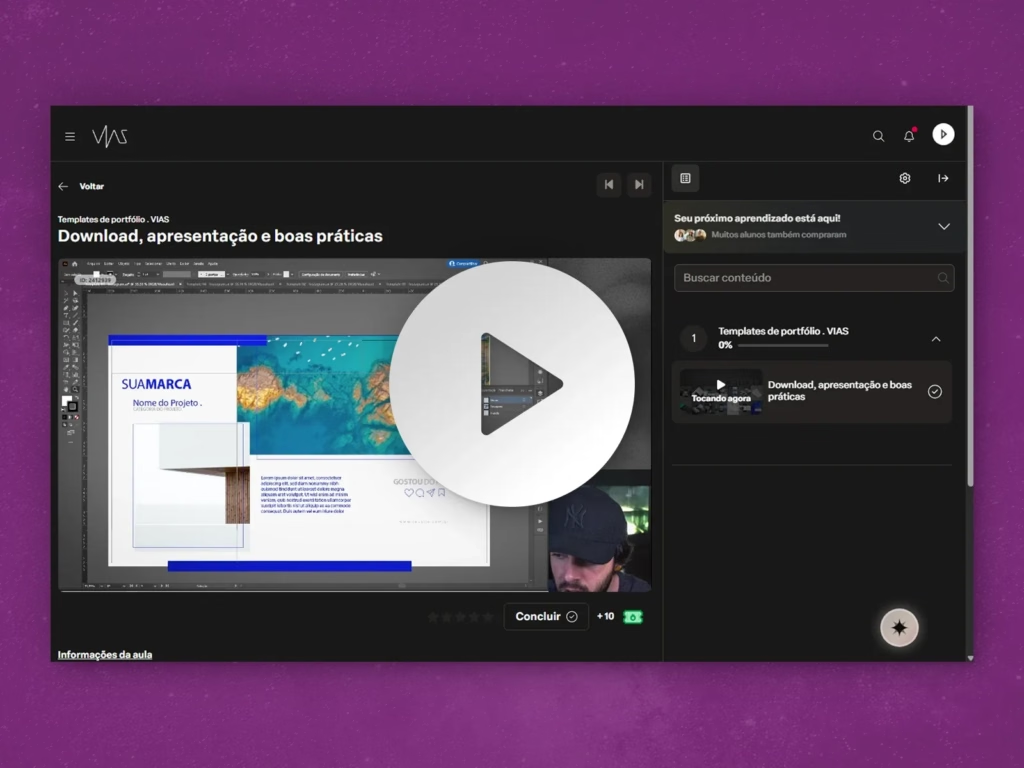
Get the Workshop recording, now organized into modules and structured to make learning easier

Gain depth, quality and speed when creating your diagrams
We’ll teach you from scratch to the final result, going through modeling and organization in SketchUp and finishing with refinement in Illustrator.


Diagrams we’ll make in the workshop
To finish our material, we'll go through 3 connected stages


Bonus stage
The video we'll make in Photoshop
In the bonus stage, the diagram comes to life: you set up the video composition and create the animation in Photoshop, ready to present or post.
Plus, you'll get 3 bonuses

Exclusive assets to use in your diagrams and vector drawings

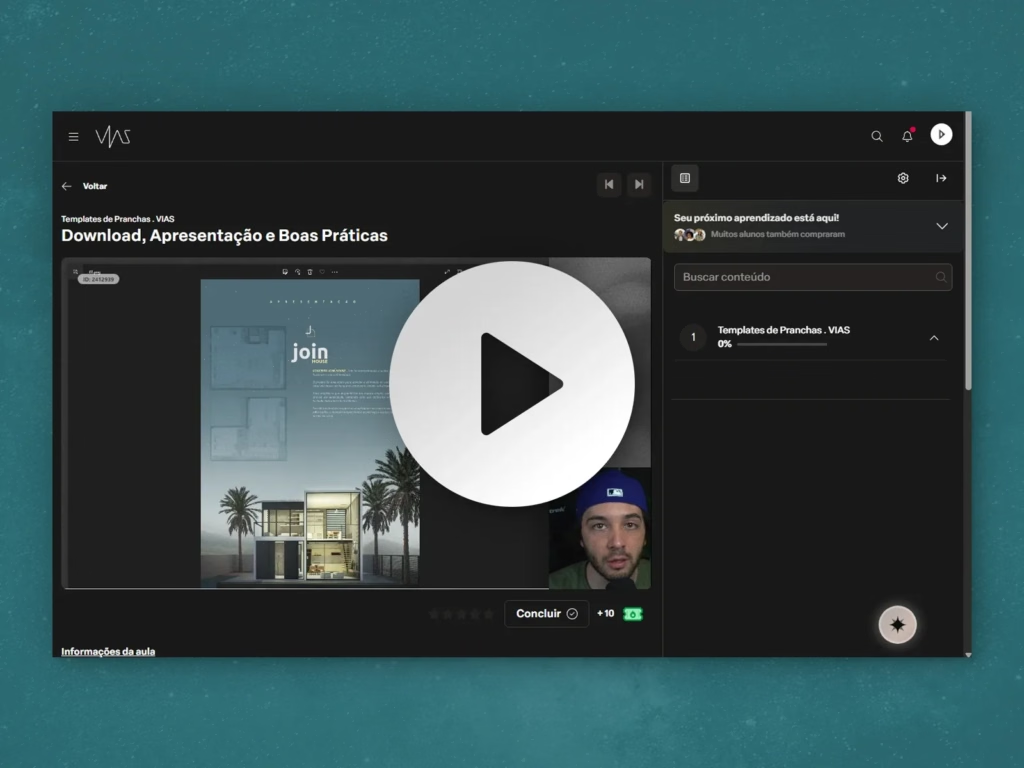
Access to the platform with prep lessons for the diagram workshop

E-book with every step we take in the diagram workshop
- We’ll teach you from scratch
- No experience needed
- You’ll master the art of diagrams
Lesson schedule
- 00.01Introduction and downloadable files01:30
- 01.01Modeling the diagram18:00
- 01.02Cameras and shadows04:00
- 01.03Applying tags, scenes and styles12:00
- 01.04Export07:00
- 02.01Importing into Illustrator17:00
- 02.02Importing shadows14:00
- 02.03Adding extra elements11:00
- 02.04Applying assets18:00
- 02.05Creating the composition14:00
- 02.06Export03:00
- 03.01Video composition17:00
- 03.02Creating the video07:00
2 hours and 25 minutes in total
The offer
All this for less than half the price.
Bought separately, the bundle comes to over $139. From November 27 to 30, it’s yours for $55.90.
The offer ends in
The offer opens in
Full VIAS bundle
- Board Templates$24.90
- Portfolio Templates$24.90
- Diagram Workshop + assets (3 years)$49.90
- E-book Architectural Presentation Boards$9.90
- E-book Color Palettes$9.90
- E-book Portfolio Checklist and Guide$9.90
- E-book Rendering Guide$9.90
Separate value$139.30
from $139.30for $55.90
You save $83.40 · 60% OFF
The offer ended on November 30. Thanks to everyone who joined in!
Secure checkout · Instant access · 7-day guarantee
The offer opens on Nov 27 and runs until Nov 30
Some of the ready-made templates you’ll get
Questions
Frequently asked questions
As soon as your payment is confirmed, you’ll get access to everything in the bundle at the email you signed up with.
The Board Templates come as INDD files for Adobe InDesign, and the backgrounds as PSD files for Photoshop. The Portfolio Templates come as INDD and AI files, for InDesign and Illustrator.
And if you don’t use Adobe, no problem: the files also open in Affinity and in ArtCraft’s apps, which are free.
The Diagram Workshop stays available for 3 years. The e-books, templates and assets are files you download and keep.
No. The workshop starts from scratch and includes an intro lesson so you can get started with confidence.
Yes, you can! The templates can be used in your personal and professional projects, including client work. Just one tip: it’s best to always change things a little, like the colors, fonts or position of elements, so your presentation doesn’t look too similar to other people’s who also use the templates.
What you can’t do is resell or redistribute the editable files, free or paid, whether original or modified.
You have 7 days to ask for a refund, no questions asked.
© 2026 VIAS · vias.arq.br@vias.arq
Legal notice: the templates may be used in personal and professional projects. Reselling, redistributing or making the editable files available to third parties, free or paid, without VIAS’s authorization is expressly prohibited, under Brazilian Copyright Law No. 9,610/98.